Get Started

Create a business account and launch your own media network on Genuin: generative video, embeddable players, and engagement infrastructure, in five steps that stay the same from a solo podcaster to a national retailer.

Steps forasto get started withforin
5Essential steps you do
10Completed for you; you confirm what was prepared
2Recommended; do them when they fit
4Not required for media supply aggregators
~52 minYour hands-on time across the path
1

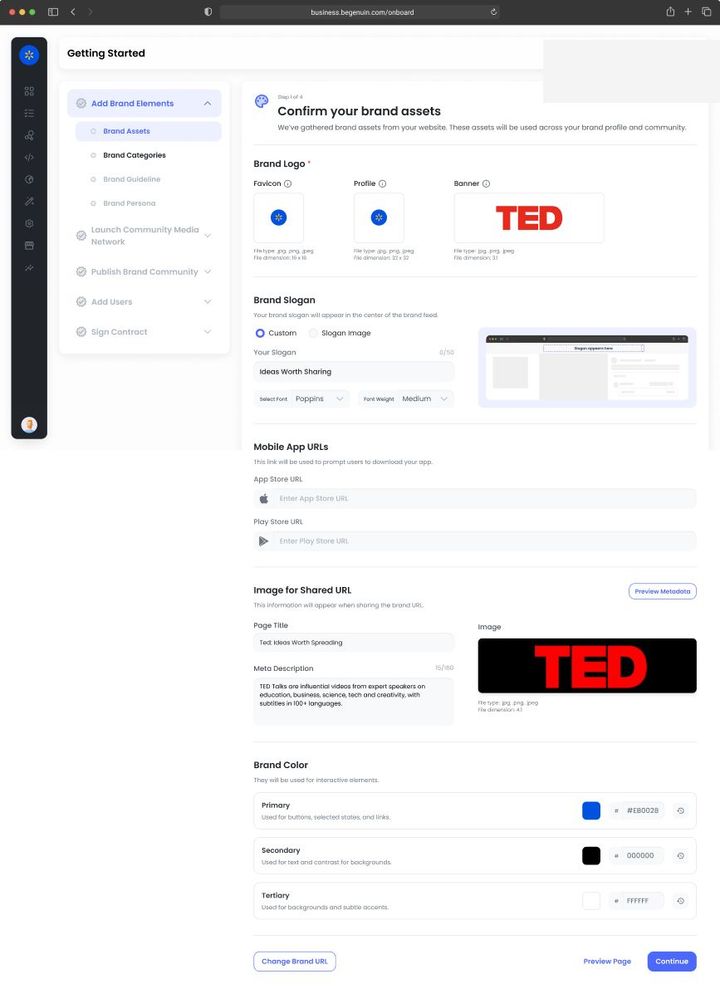
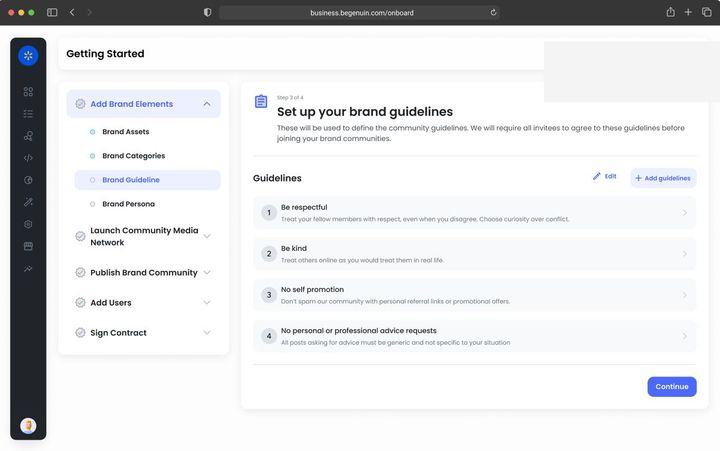
Add Brand Elements

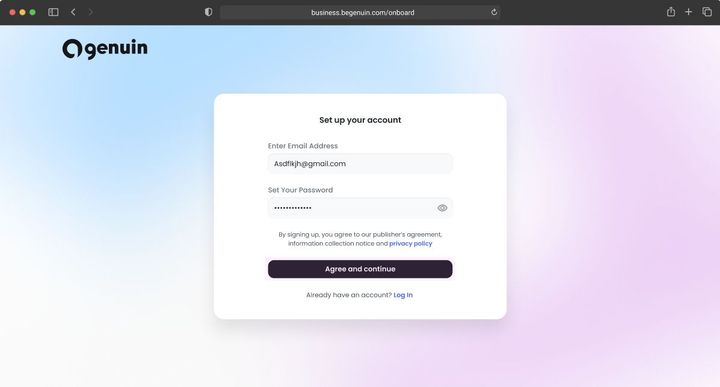
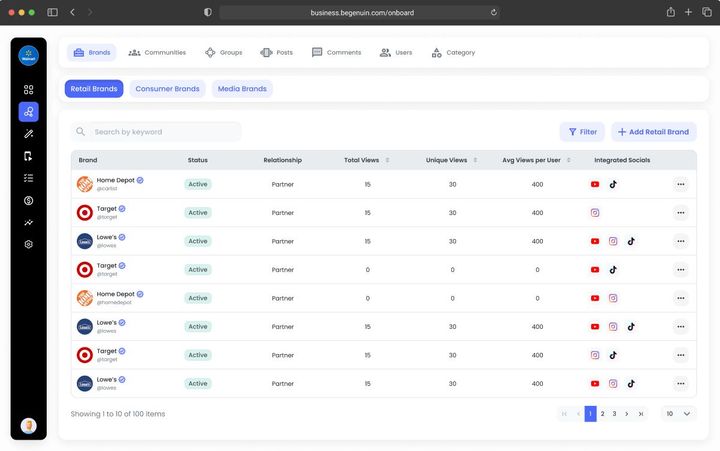
For Media Supply Aggregator Business Account on BCC: one account for the aggregator as the anchor brand, and one brand per publisher, app, or site you represent (imported in bulk from a CSV or the Partner API; see REST API: authentication and keys). Each publisher brand carries its own brand kit, brand safety profile, and reports; your team moves between them with the brand switcher, and a publisher can be invited into only their brand. Roles: Network Admin and Revenue at the account level, Publisher Manager scoped per brand, Engineering for the SDK and sellers.json work. Connect your own domains first; publisher properties are verified per brand in Connect your website, app, and podcast feed or delegated to the publisher.
Goal · Growth KPI set: watch time per user, return rate, members. Brand kit contrast and voice affect completion rates; connect every content source so the library grows without production effort.
Goal · Monetization KPI set: time to first revenue. Enter your legal entity and billing details now and give the signer the right role, so the services agreement is one step when you reach it.
2

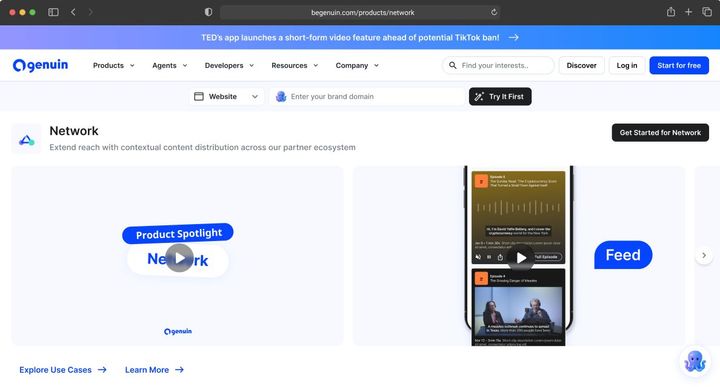
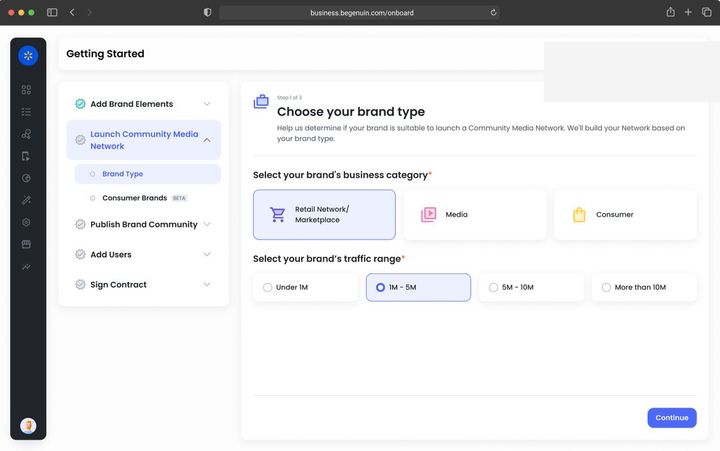
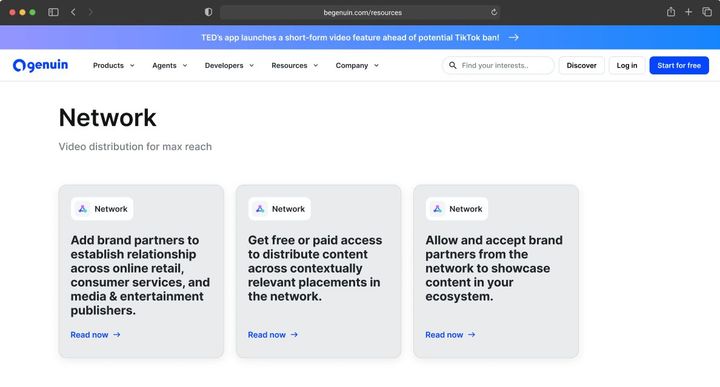
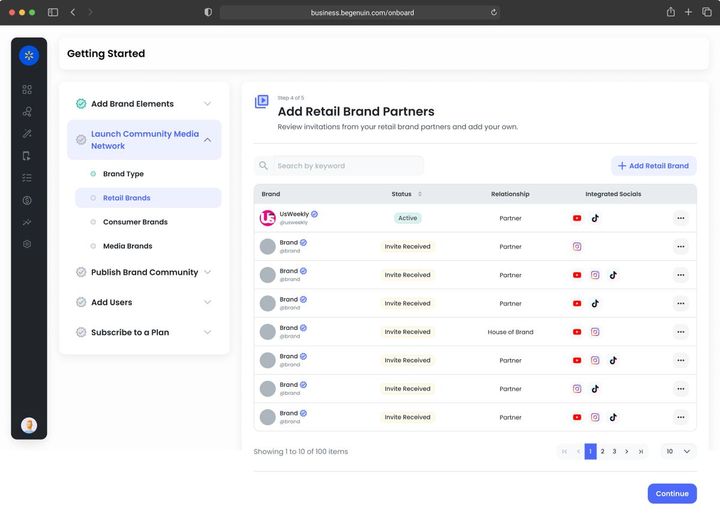
Launch Media Network

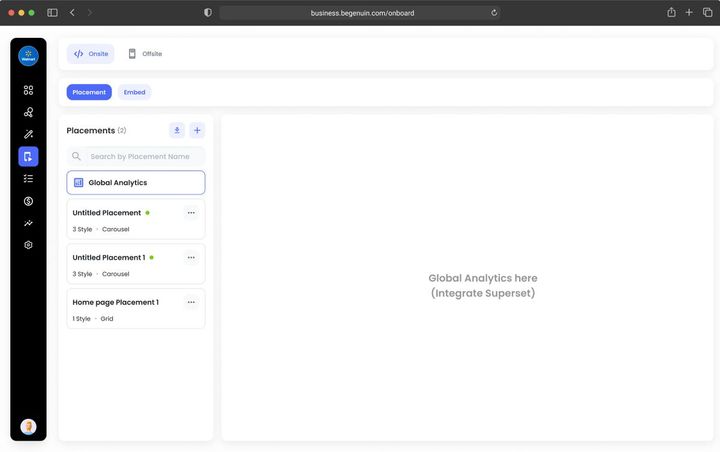
For Media Supply Aggregator Model: Extended O&O at scale. Register one property per publisher brand on the Hierarchical Grid, with page types and placements imported from your existing ad-tag inventory map (see Register your placements on the Hierarchical Grid); choose a house player experience and let each publisher brand override it (see Pick your first player experience). The grid is what rolls your whole supply up into one report and one sell sheet.
Goal · Growth KPI set: pages per session, session length. Place video where the journey continues and allow more than one experience per placement so Maya can choose per viewer.
Goal · Monetization KPI set: eCPM, fill, revenue per embed. Pick the brand type that matches your business and register placements in the sizes buyers pay for.
3

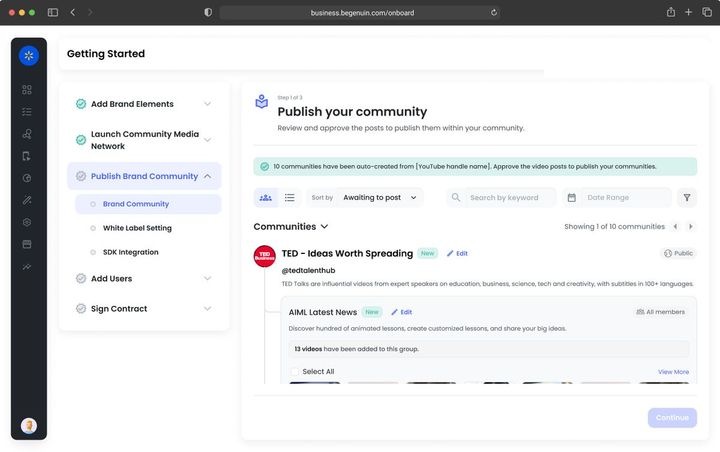
Publish Brand Community

For Media Supply Aggregator Each publisher brand gets its own content hub, built by the AI from the publisher's archive or social profiles (see Upload your videos or connect your social profile) and launched on the publisher's domain or a Genuin address (see Launch your first community: your owned-and-operated space). Your anchor brand curates across hubs: a network-wide feed by category, keyword, or page context distributed into every publisher placement and across the Genuin network (see Distribute your feeds across 7K+ apps and sites), with ads and sponsorships you sell wrapped around it.
Goal · Growth KPI set: hub sessions, watch time per user, followers, syndicated views that return to the hub. Post to the hub first; links back on every syndicated post are the growth loop.
Goal · Monetization KPI set: distributed views, eCPM on wrapped ads, sponsorship revenue per feed. Launch, then distribute at least one feed so paid partnerships have inventory to run in.
4

Add Users

For Media Supply Aggregator Add each publisher as a Distribution partner and, where they contribute content, a Content partner on the edge from their brand to your anchor (see Add brand partners and demand partners and Brand Network: core concepts and how brands are classified); accept their brand safety profile into yours. Auto login (see Bring your audience in with auto login and SSO) per publisher domain. Scope moderation to each publisher brand with your baseline on top (see Set moderation, roles, and brand safety).
Goal · Growth KPI set: members, posts per member, creator entries. Auto login enables continuity and member-only groups; creator programs fill new groups.
Goal · Monetization KPI set: partners connected, paid partnerships live. Set brand safety first, then add brand partners and demand partners.
5

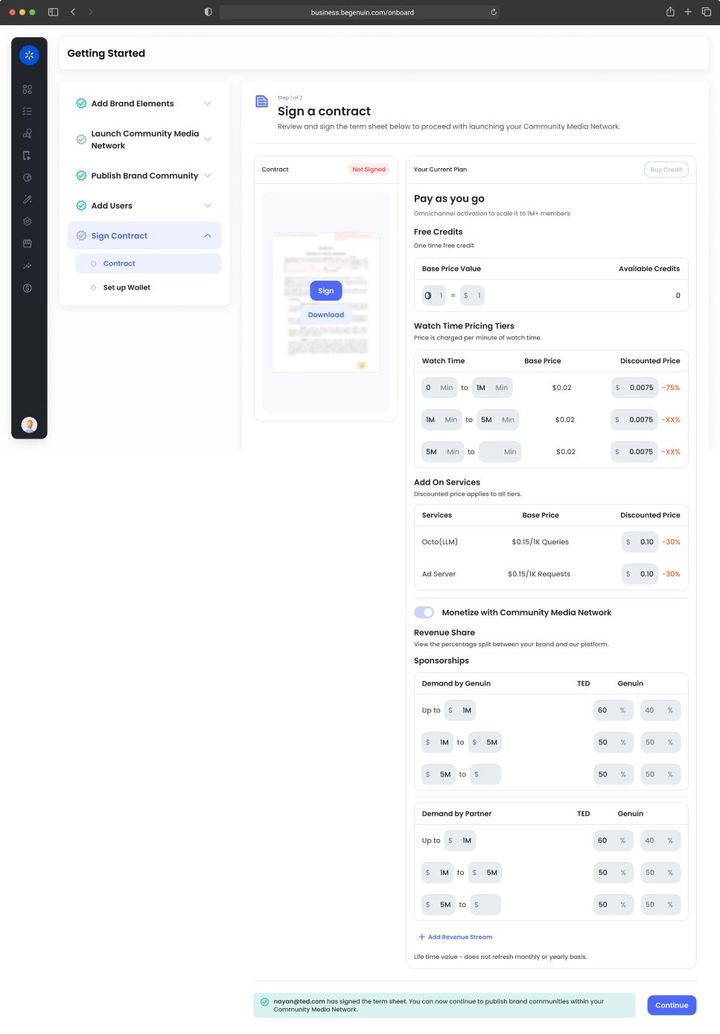
Sign Contract

For Media Supply Aggregator Enterprise agreement for the aggregator with a reseller share, plus a per-publisher split schedule you set in Network > Partners (see Choose your monetization agreement and Partner Revenue Splits). Authorize Genuin and yourself as intermediaries in every publisher's ads.txt and list your seller ID in sellers.json as INTERMEDIARY (see Sign your agreement and authorize sellers and Set up ads.txt and sellers.json). Activate monetization network-wide and read Reports > Network by publisher brand (see Activate monetization and see your first revenue).
Goal · Growth KPI set: lift against your own holdout. Keep paid pacing low at first so relevance builds; revenue share funds growth without a sales motion.
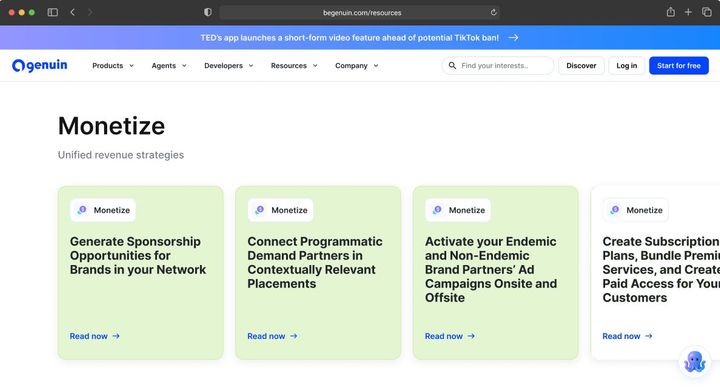
Goal · Monetization KPI set: revenue, net margin on ad spend. Sign the services agreement, switch on demand sources in order, and reconcile the Monetize dashboard with your payouts.

Get started by use case

7 of 26 paths · each sets the selectors and opens the first article

Any BusinessSet up with proposals you confirmYour site is crawled and the account, kit, grid, hub, feeds, partners, and agreement are proposed for your confirmation at each step; add context to improve the proposals and get help 24/7.Starts at Octo operates your Brand Control Center: Octo proposes, you approveSet up this pathMedia Supply AggregatorBring your publisher network onto Genuin as one supply networkOne Business Account, one brand per publisher, one grid, a house player, per-publisher splits, and one sell sheet for the whole network.Starts at Create your Business Account on Brand Control Center (BCC)Set up this pathMedia Supply Aggregator · DevelopersShip a house player SDK across every publisher propertyA custom player build with the house look, brand overrides per publisher, and the Web SDK's attributes for every layout.Starts at Web SDK: install and configureSet up this pathMedia Supply Aggregator · RevenueSet up ads.txt, sellers.json, and splits for an aggregatorIntermediary lines per publisher, your seller ID in sellers.json, a reseller share with Genuin, and a split schedule per publisher brand.Starts at Set up ads.txt and sellers.jsonSet up this pathAny BusinessDistribute controlled feeds across 7K+ apps and sitesFeeds by keyword, brand, category, topic, or page context, with ads and sponsorships wrapped in and every view attributed and addressable.Starts at Distribute your feeds across 7K+ apps and sitesSet up this pathAny Business · RevenueList and sell packages in Marketplace and through AI agentsPackage Builder, Outcome Forecast Blocks, AdCP discovery, and the Network Sales Agent that answers buyer agents.Starts at Marketplace: list packages and transact with demand partnersSet up this pathAny Business · DevelopersGet Genuin data into your warehouseIntelligence SDK typed queries, webhooks, and exports of engagement, revenue, attribution, and margin by grid dimension.Starts at Intelligence SDK: bring Genuin signals into your own stackSet up this path

TRUST AND COMPLIANCE

© 2026 Genuin Inc.

Genuin Footer