Get Started

Create a business account and launch your own media network on Genuin: generative video, embeddable players, and engagement infrastructure, in five steps that stay the same from a solo podcaster to a national retailer.

Steps forasto get started withforin
5Essential steps you do
8Completed for you; you confirm what was prepared
8Recommended; do them when they fit
0Not required for any business
~125 minYour hands-on time across the path
1

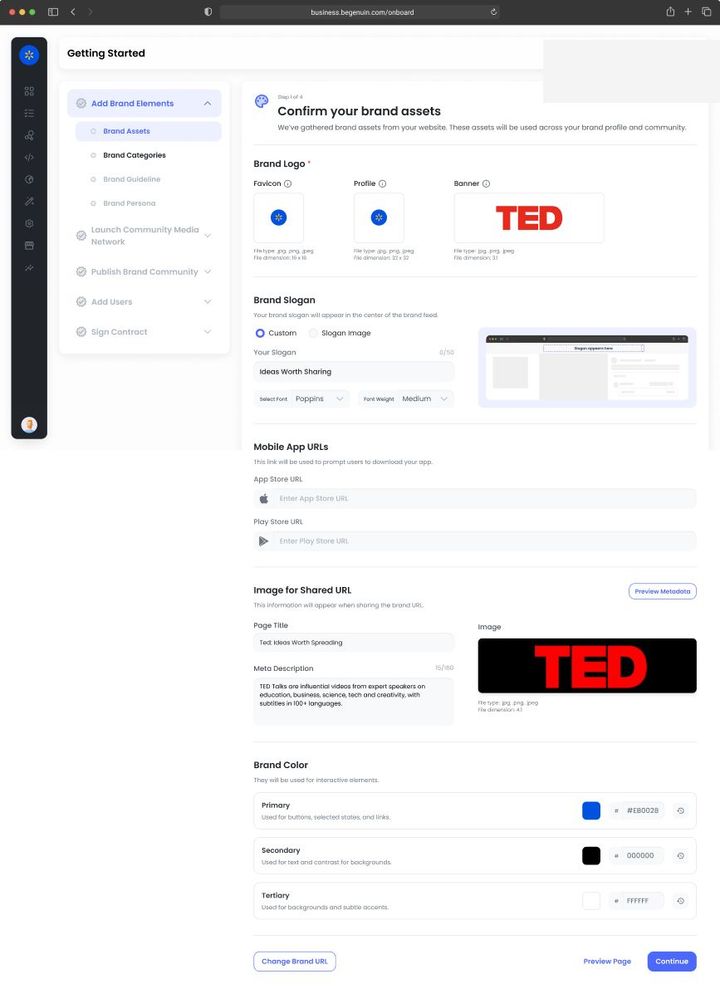
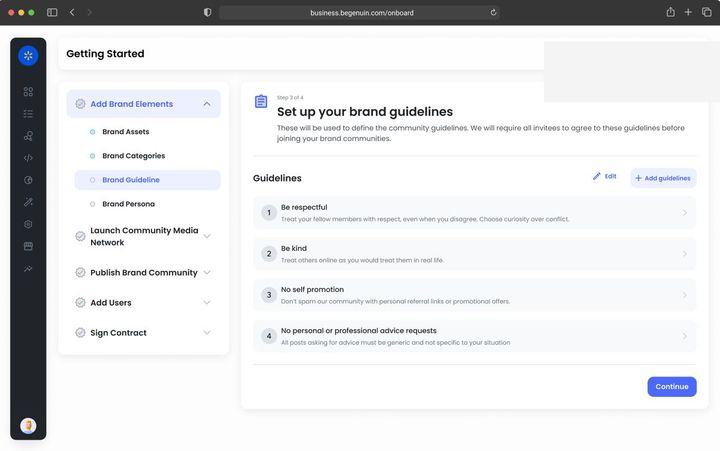
Add Brand Elements

With Onsite Your brand kit is what every onsite placement inherits, so set colors against your real page backgrounds, not white. Verify every domain and subdomain where a placement will render (see Connect your website, app, and podcast feed); an unverified domain renders a preview ribbon. Connect the content sources whose video belongs next to your pages: your YouTube channel, help videos, and product media.Brand elements that matter for Onsite · see Set your brand identity: name, logo, colors, and voice, Connect your website, app, and podcast feed, Onsite: contextual placements across homepage, category, and product pages, Web SDK: install and configure
Goal · Growth KPI set: watch time per user, return rate, members. Brand kit contrast and voice affect completion rates; connect every content source so the library grows without production effort.
Goal · Monetization KPI set: time to first revenue. Enter your legal entity and billing details now and give the signer the right role, so the services agreement is one step when you reach it.
2

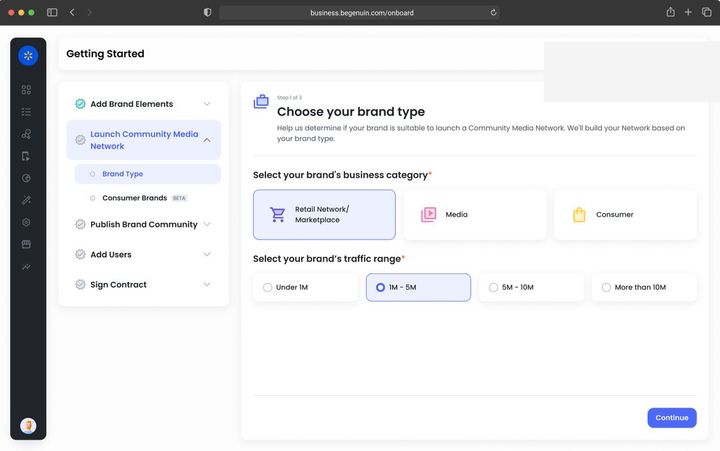
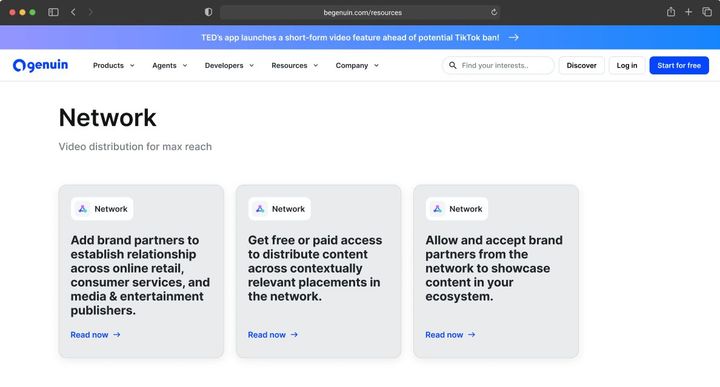
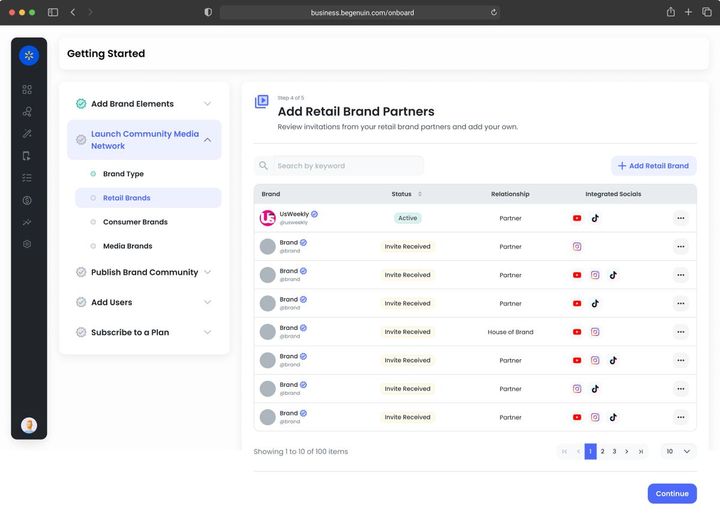
Launch Media Network

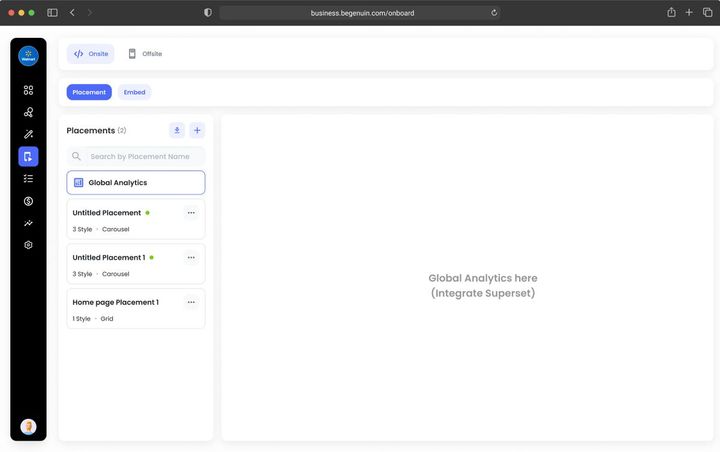
With Onsite Onsite is the Owned model's core. Register one page type per template where video should appear and one placement per slot, following the Onsite layout table (see Onsite: contextual placements across homepage, category, and product pages). Attach the page's context (category tree, product taxonomy, article topics) at the page-type level so Maya can rank per page. Start with Shorts on content pages and Shoppable on product pages.Launching a network for Onsite · see Choose your network model: Owned, Extended, Commerce, or Retail, Register your placements on the Hierarchical Grid, Onsite: contextual placements across homepage, category, and product pages, Player card sizes and IAB footprint spec
Goal · Growth KPI set: pages per session, session length. Place video where the journey continues and allow more than one experience per placement so Maya can choose per viewer.
Goal · Monetization KPI set: eCPM, fill, revenue per embed. Pick the brand type that matches your business and register placements in the sizes buyers pay for.
3

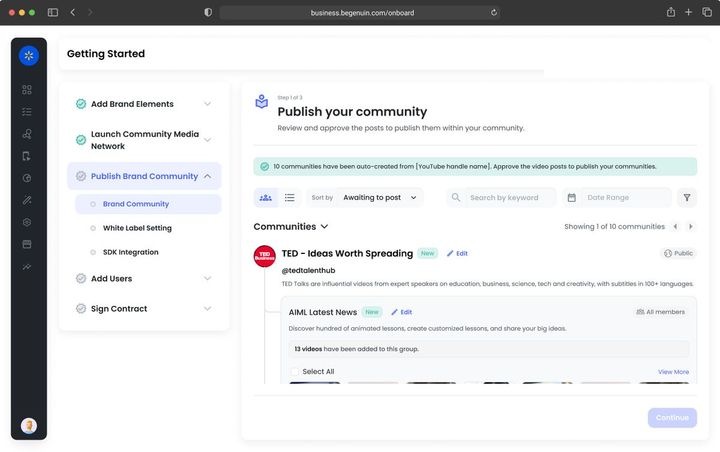
Publish Brand Community

With Onsite Your content hub is the first onsite surface: launch it on a Genuin address or your domain, then embed any feed from it into your existing pages with one snippet. The AI's categories, topics, and keywords become the page contexts feeds match against.Launching the hub for Onsite · see Launch your first community: your owned-and-operated space, Onsite: contextual placements across homepage, category, and product pages, Vertical Video Player Placement, Keywords Player
Goal · Growth KPI set: hub sessions, watch time per user, followers, syndicated views that return to the hub. Post to the hub first; links back on every syndicated post are the growth loop.
Goal · Monetization KPI set: distributed views, eCPM on wrapped ads, sponsorship revenue per feed. Launch, then distribute at least one feed so paid partnerships have inventory to run in.
4

Add Users

With Onsite Auto login turns a sequence of page views into one continuous session Maya can follow, which is where onsite lift comes from. Members-only groups work only after it is on. Moderation for onsite content is mostly about what Studio and partners publish; member posting is optional.Adding users for Onsite · see Bring your audience in with auto login and SSO, Unified identity: auto login, SSO, and the ID graph, Personalization and relevance: how Maya ranks every feed, Auto login and token exchange
Goal · Growth KPI set: members, posts per member, creator entries. Auto login enables continuity and member-only groups; creator programs fill new groups.
Goal · Monetization KPI set: partners connected, paid partnerships live. Set brand safety first, then add brand partners and demand partners.
5

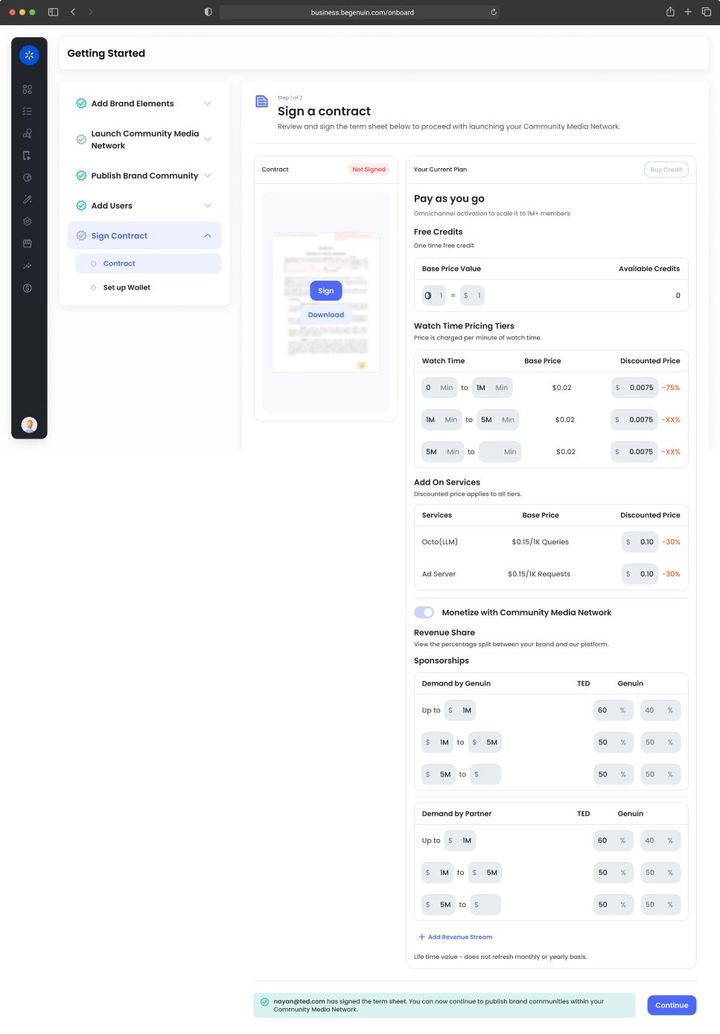
Sign Contract

With Onsite Onsite inventory earns from the Genuin network share by default and from your own partners under a platform agreement. Floors are set per placement along the grid. Reports > Onsite shows watch time per user, return rate, and pages per session against a holdout, so you can read engagement value before revenue.Contracts and revenue for Onsite · see Choose your monetization agreement, Activate monetization and see your first revenue, Measure engagement: watch time, lift, and cohorts, Relevance OS: reading the analytics dashboard
Goal · Growth KPI set: lift against your own holdout. Keep paid pacing low at first so relevance builds; revenue share funds growth without a sales motion.
Goal · Monetization KPI set: revenue, net margin on ad spend. Sign the services agreement, switch on demand sources in order, and reconcile the Monetize dashboard with your payouts.

Common use cases

Onsite

Onsite puts generative video on your own site and apps, placed by page context and ranked per viewer, to lift session length, return rate, and lifetime value.

Read now
Onsite

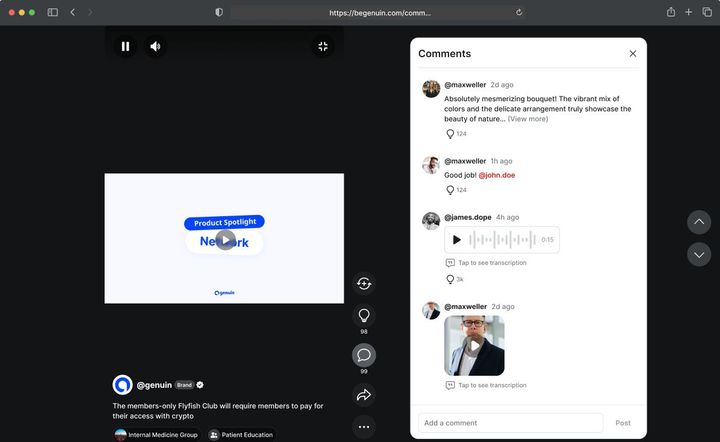
A 9:16 swipe feed of Shorts ranked for the page and the viewer, the default placement for content pages and mobile.

Read now
Onsite

A 16:9 landscape player with a playlist rail, for in-article and desktop layouts where a vertical feed would fight the page.

Read now
Onsite

A player that plays a podcast or audio episode with Studio-generated visuals and switches between audio-first and video-first by the viewer's context (page, device, sound state).

Read now
Onsite

A player that appears only where a page's text matches keywords, entities, or products you define, anchoring video to the exact paragraph or term, so one tag covers a whole site.

Read now
Onsite

A carousel where each video carries products with price, availability, and a buy or add-to-cart action wired to your commerce API through the SDK.

Read now
Onsite

A wall of creator and member posts organized by group, with reactions, replies, pinned posts, and Quests, rendered inside your pages.

Read now
Onsite

A scheduled live player with questions, polls, and replay, hosted by a creator with the Host tier; sessions become Shorts clips automatically.

Read now
Onsite

A small player that docks to a corner and keeps playing as the viewer scrolls or navigates between pages on your site, preserving the session for Maya.

Read now
Onsite

Session carry-over: what a viewer watched on one page shapes the next placement they see, so a visit reads as one story rather than unrelated feeds.

Read now
Onsite

Built-in A/B tests and standing holdouts per placement so every layout, experience, or parameter change is read as lift, not as a trend.

Read now

TRUST AND COMPLIANCE

© 2026 Genuin Inc.

Genuin Footer