Get Started

Create a business account and launch your own media network on Genuin: generative video, embeddable players, and engagement infrastructure, in five steps that stay the same from a solo podcaster to a national retailer.

Steps forasto get started withforin
5Essential steps you do
8Completed for you; you confirm what was prepared
8Recommended; do them when they fit
0Not required for any business
~125 minYour hands-on time across the path
1

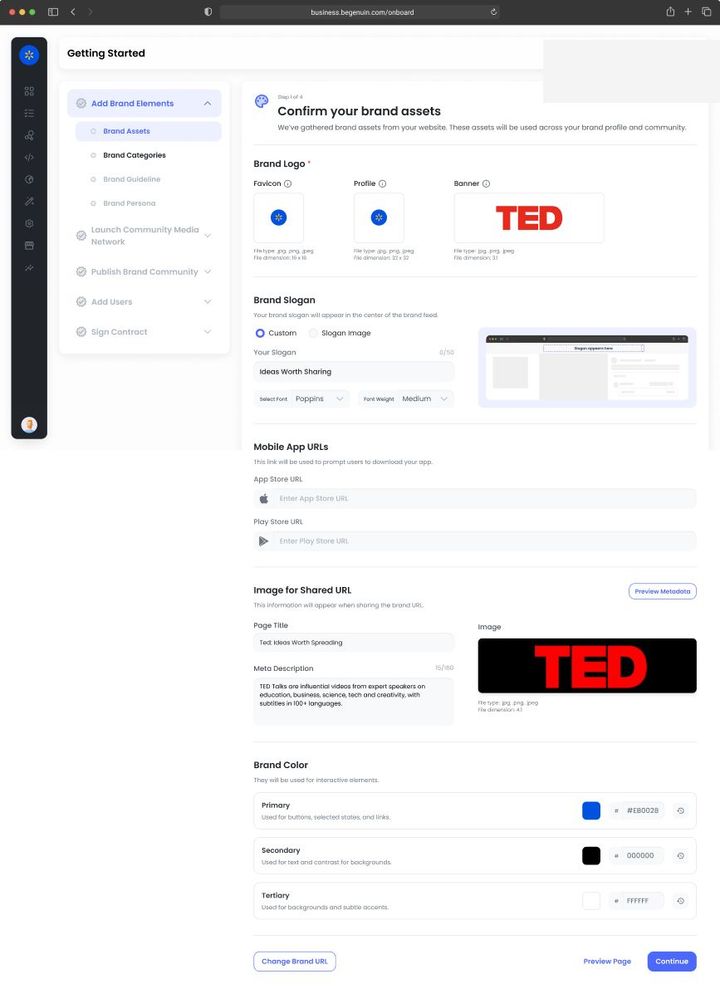
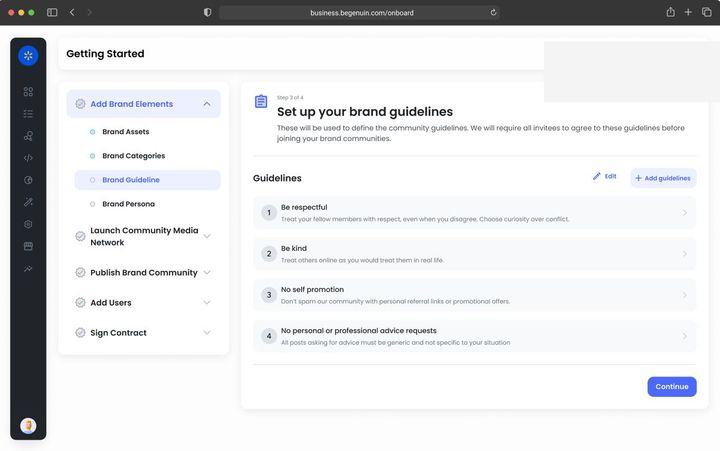
Add Brand Elements

With Monetize Add your legal entity and billing contact early; agreements and seller files are generated from them. Give the Revenue role to whoever will approve partners and sign. Verify every domain and app that will carry ads, because ads.txt is per domain.Brand elements that matter for Monetize · see Create your Business Account on Brand Control Center (BCC), Invite your team and assign roles, Set up ads.txt and sellers.json, Plans, billing, and invoices
Goal · Growth KPI set: watch time per user, return rate, members. Brand kit contrast and voice affect completion rates; connect every content source so the library grows without production effort.
Goal · Monetization KPI set: time to first revenue. Enter your legal entity and billing details now and give the signer the right role, so the services agreement is one step when you reach it.
2

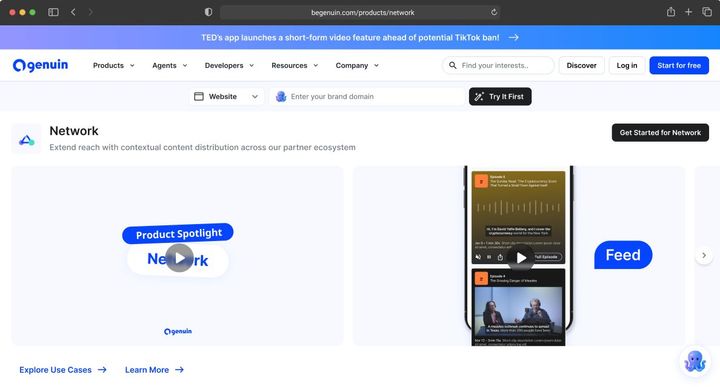
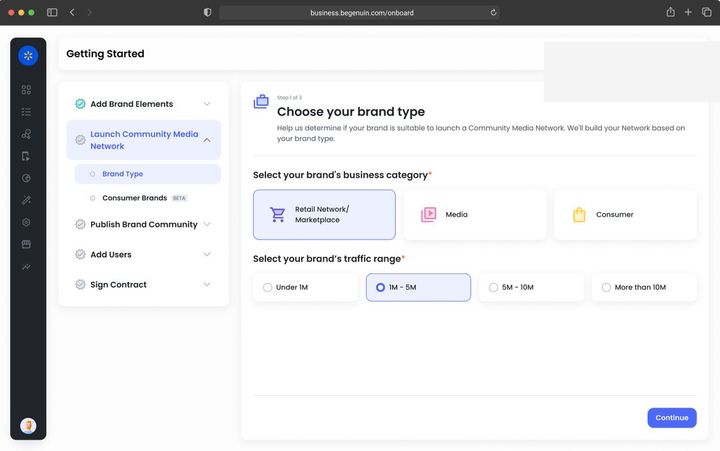
Launch Media Network

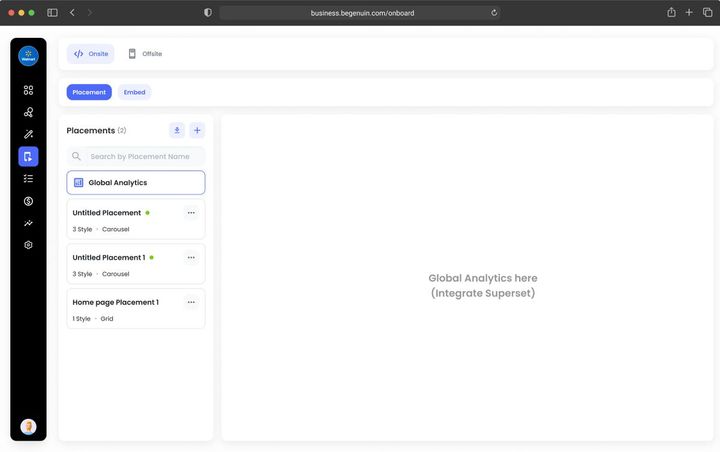
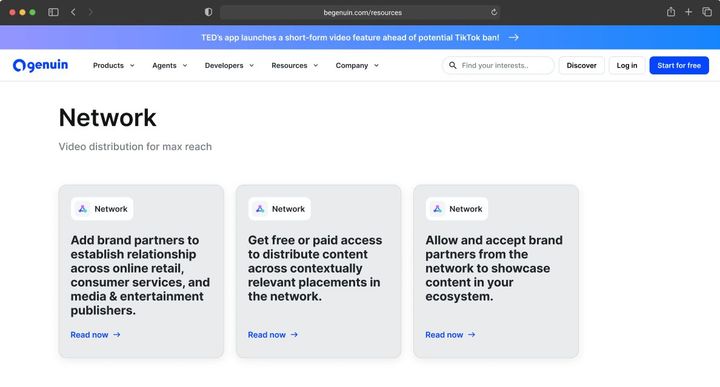
With Monetize Pick the model by demand sources you will switch on: Owned for network share only, Extended O&O to have Genuin sell for you, Commerce or Retail for in-video commerce and margin reporting. Every placement on the grid carries a floor and a brand safety profile, so register placements with the sizes buyers pay for.Launching a network for Monetize · see Choose your network model: Owned, Extended, Commerce, or Retail, Register your placements on the Hierarchical Grid, Monetization models on Genuin: a decision guide, Network models in depth: Owned, Extended O&O, Commerce Media, Retail Media
Goal · Growth KPI set: pages per session, session length. Place video where the journey continues and allow more than one experience per placement so Maya can choose per viewer.
Goal · Monetization KPI set: eCPM, fill, revenue per embed. Pick the brand type that matches your business and register placements in the sizes buyers pay for.
3

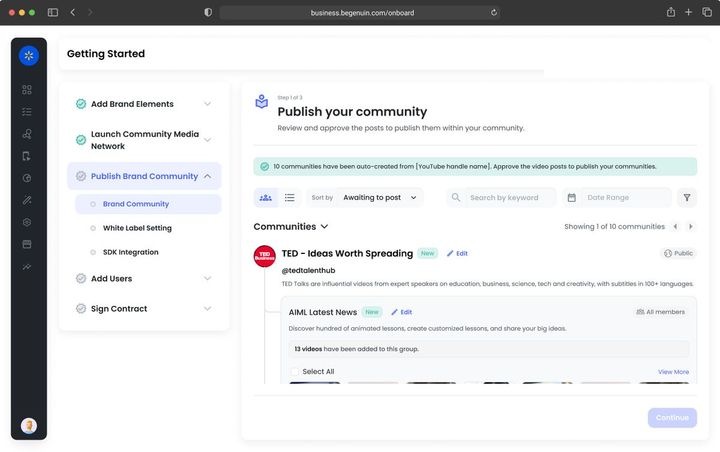
Publish Brand Community

With Monetize Ads and sponsorships wrap your distributed feeds from the first view; revenue share needs nothing more than launch. Keywords, categories, and brand tags assigned by the AI are what packages and feeds are sold against, so review them once before Distribute your feeds across 7K+ apps and sites.Launching the hub for Monetize · see Distribute your feeds across 7K+ apps and sites, Monetization models on Genuin: a decision guide, Paid Partner Posts and Paid Partner Takeovers, Genuin Network Revenue Share
Goal · Growth KPI set: hub sessions, watch time per user, followers, syndicated views that return to the hub. Post to the hub first; links back on every syndicated post are the growth loop.
Goal · Monetization KPI set: distributed views, eCPM on wrapped ads, sponsorship revenue per feed. Launch, then distribute at least one feed so paid partnerships have inventory to run in.
4

Add Users

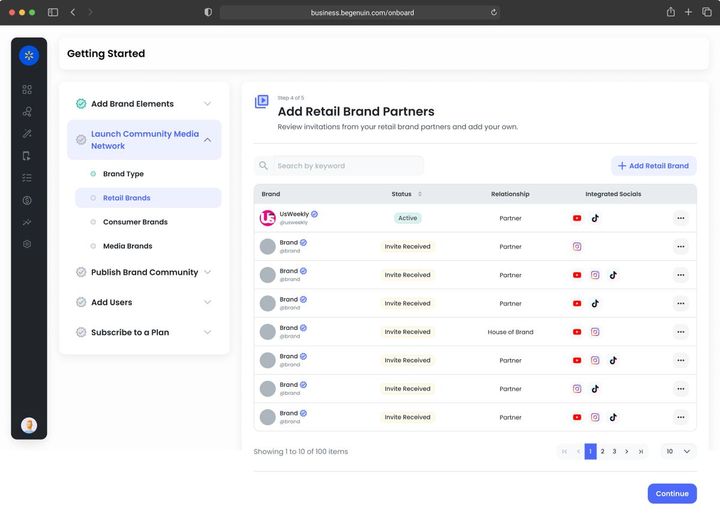
With Monetize The brand safety profile you set in Set moderation, roles, and brand safety is what every buyer sees and what sets your floor. Brand partners and demand partners connect in Add brand partners and demand partners but serve nothing until sellers are authorized. Creators' revenue share is set here and settles into their wallets automatically.Adding users for Monetize · see Set moderation, roles, and brand safety, Add brand partners and demand partners, Blocklists and ad quality controls, Revenue reporting, payouts, and the Creator Wallet
Goal · Growth KPI set: members, posts per member, creator entries. Auto login enables continuity and member-only groups; creator programs fill new groups.
Goal · Monetization KPI set: partners connected, paid partnerships live. Set brand safety first, then add brand partners and demand partners.
5

Sign Contract

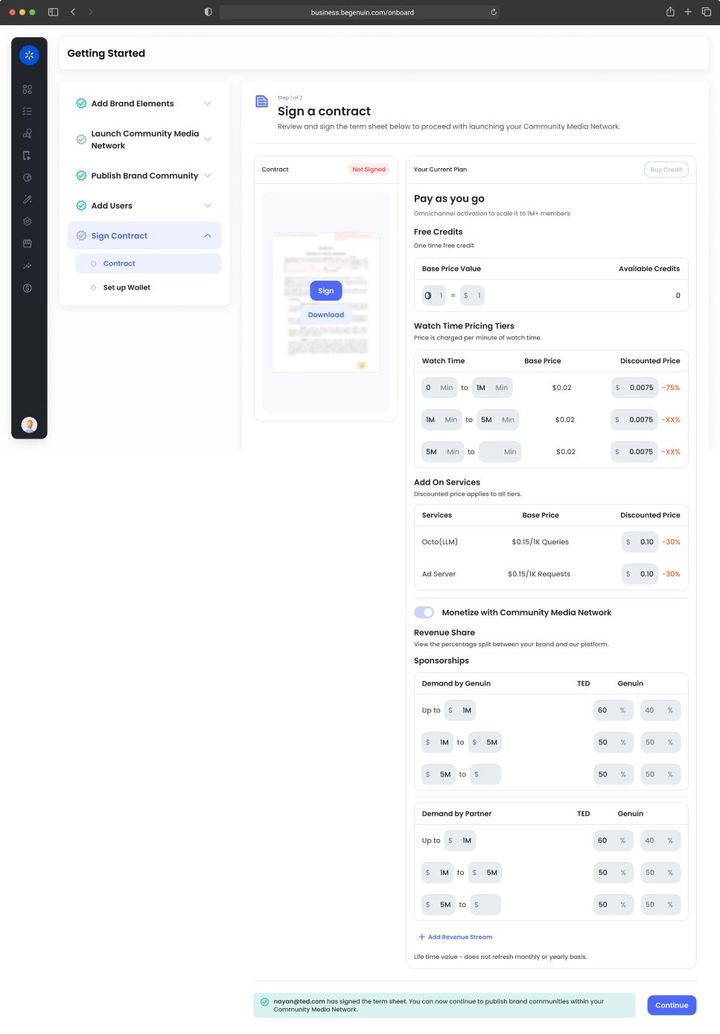
With Monetize This is the step Monetize owns: choose the agreement, sign, publish ads.txt, verify sellers, switch on demand in order (network, partners, programmatic, commerce, subscriptions), set floors, and read Reports > Revenue the same day. Margin reporting is on for commerce and retail schedules.Contracts and revenue for Monetize · see Choose your monetization agreement, Sign your agreement and authorize sellers, Activate monetization and see your first revenue, Margin reporting: revenue per impression and net margin on ad spend
Goal · Growth KPI set: lift against your own holdout. Keep paid pacing low at first so relevance builds; revenue share funds growth without a sales motion.
Goal · Monetization KPI set: revenue, net margin on ad spend. Sign the services agreement, switch on demand sources in order, and reconcile the Monetize dashboard with your payouts.

Common use cases

Monetize

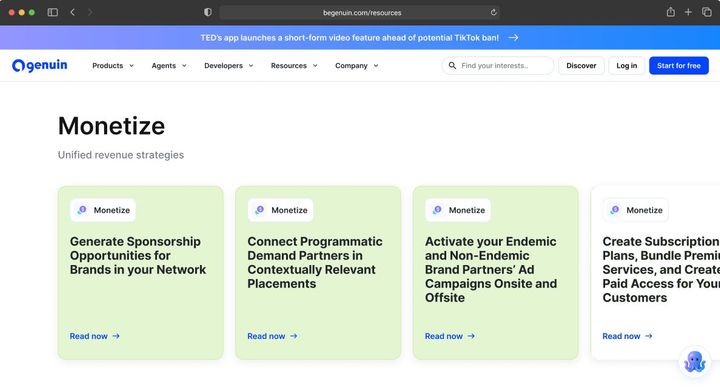
Monetize turns inventory into revenue from six demand sources, reported in outcomes (revenue, attributed commerce, net margin) along the grid.

Read now
Monetize

Genuin sells your impressions through its demand and pays a share, with no setup beyond seller verification; the floor for every network.

Read now
Monetize

A brand's video placed in your group with a disclosure label, ranked by Maya within the pacing you set, priced per thousand views, per post, or in a package.

Read now
Monetize

A partner's content fills a placement, page type, or group for a fixed window, with your brand kit kept and the partner's brand on the content.

Read now
Monetize

Programmatic demand from connected exchanges served into your placements with no ad ops on your side; Genuin ad operations configures tags per placement.

Read now
Monetize

Your own ad server (GAM, FreeWheel, Beeswax, others) stays the system of record and receives Genuin inventory as line items; Genuin configures your tags inside Genuin Ad Server for specific placements.

Read now
Monetize

Floors per placement proposed from your brand safety profile and context, with yield rules by deal type, partner, and time; Canvas's Pricer can move floors with margin.

Read now
Monetize

Gate premium groups, a community, or a live event; bill through Genuin or pass entitlement from your own subscription system in the auto login token.

Read now
Monetize

A product, offer, or destination attached to a tagged moment at serve time by Octo, so the same video sells different products on different pages and days.

Read now
Monetize

Linkouts resolve to affiliate networks or partner catalogs when your own checkout does not carry the product, so the viewer still completes and you still earn.

Read now
Monetize

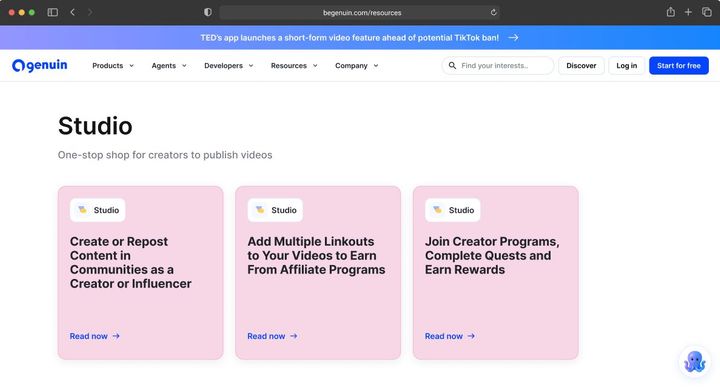
Revenue share on creator content, Quest rewards, and tips settle automatically into each creator's wallet attached to your network.

Read now
Monetize

Advertiser, category, creative, and landing-page rules applied before any ad renders across Genuin Ad Server, partner ad servers, and Paid Partner content.

Read now

TRUST AND COMPLIANCE

© 2026 Genuin Inc.

Genuin Footer