Get Started

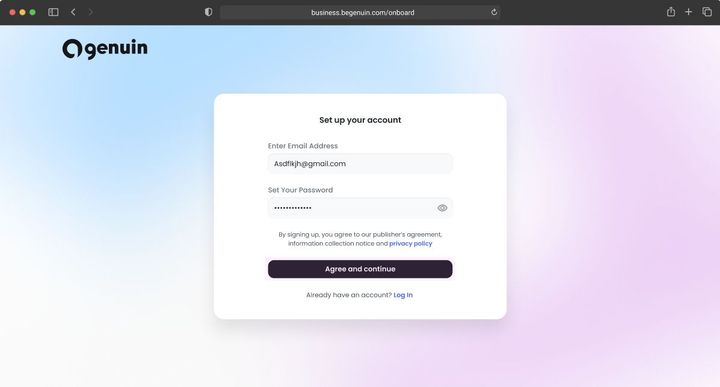
Create a business account and launch your own media network on Genuin: generative video, embeddable players, and engagement infrastructure, in five steps that stay the same from a solo podcaster to a national retailer.

Steps forasto get started withforin
5Essential steps you do
8Completed for you; you confirm what was prepared
8Recommended; do them when they fit
0Not required for any business
~125 minYour hands-on time across the path
1

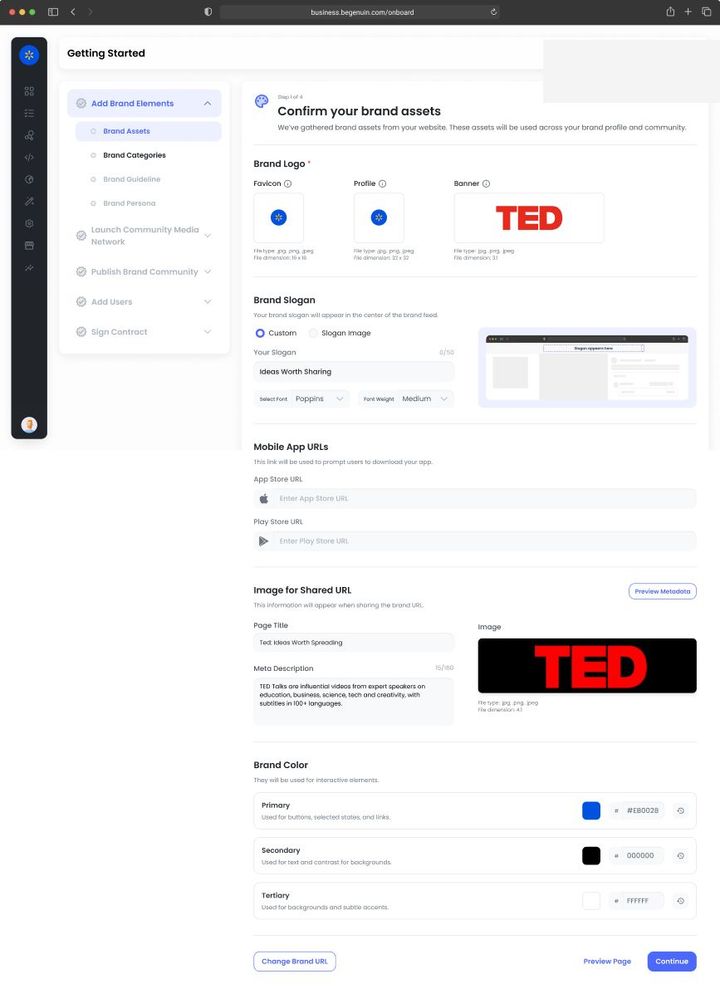
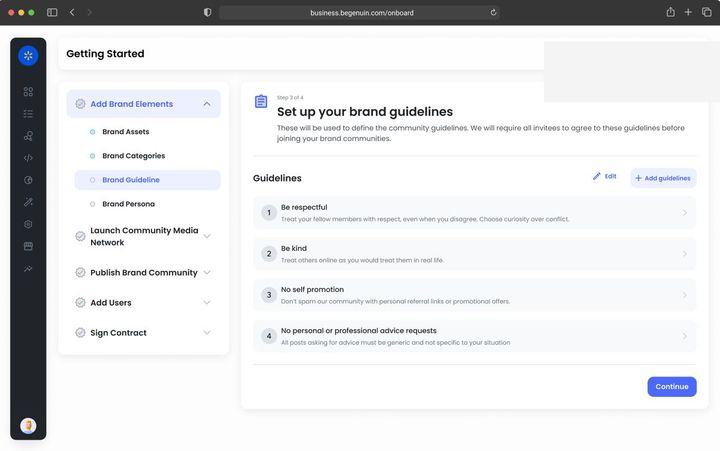
Add Brand Elements

With Network Your public brand name and description are what other networks and brand partners see in the directory, so write the description for a partner, not a viewer. Connect every property; partners can be granted placements only on verified ones.Brand elements that matter for Network · see Set your brand identity: name, logo, colors, and voice, Connect your website, app, and podcast feed, Network distribution: place your content in partner inventory, Network models in depth: Owned, Extended O&O, Commerce Media, Retail Media
Goal · Growth KPI set: watch time per user, return rate, members. Brand kit contrast and voice affect completion rates; connect every content source so the library grows without production effort.
Goal · Monetization KPI set: time to first revenue. Enter your legal entity and billing details now and give the signer the right role, so the services agreement is one step when you reach it.
2

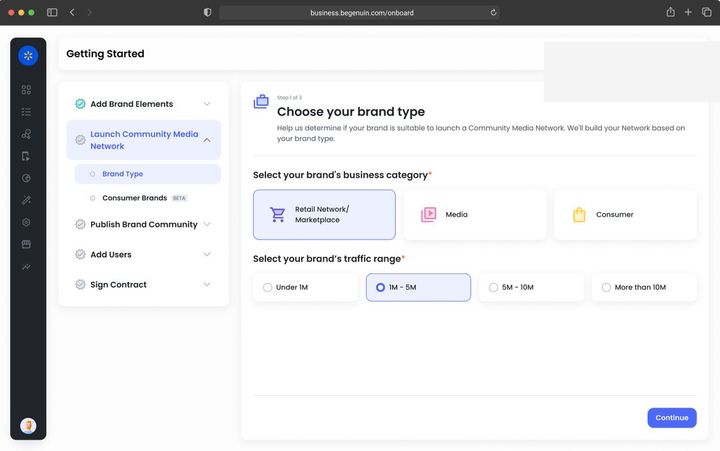
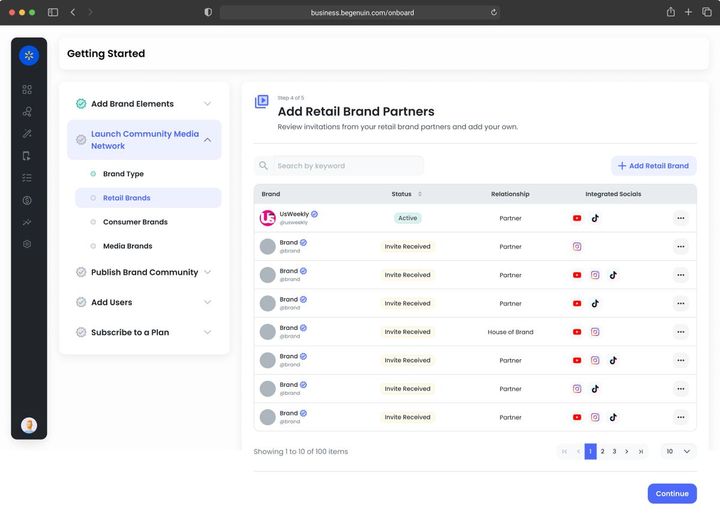
Launch Media Network

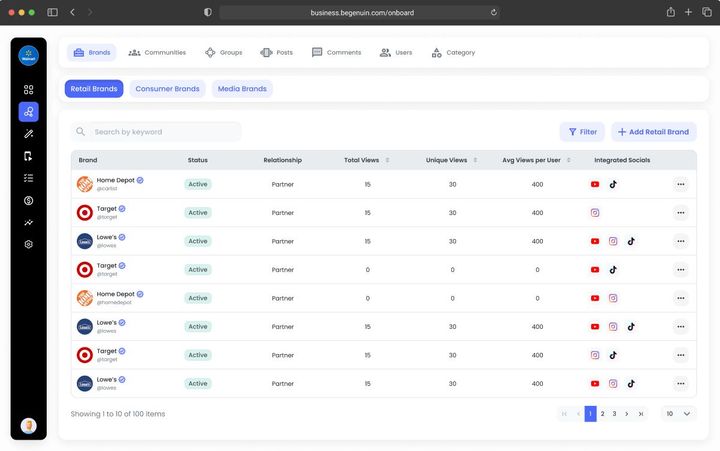
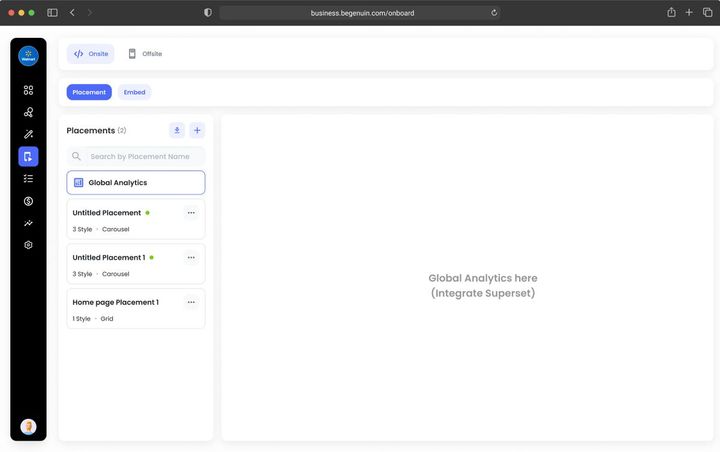
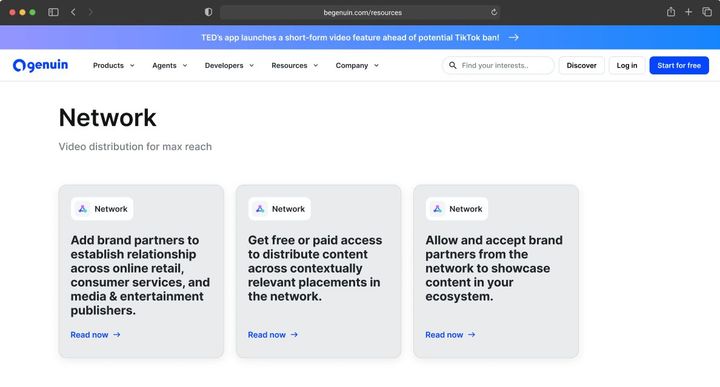
With Network This is the step Network owns. Choose the model (see Network models in depth: Owned, Extended O&O, Commerce Media, Retail Media), register the grid, and decide which placements may carry partner content and which groups may travel. Extended O&O destinations appear on your grid as properties you do not own.Launching a network for Network · see What a media network is on Genuin, Choose your network model: Owned, Extended, Commerce, or Retail, Register your placements on the Hierarchical Grid, Extended O&O: how managed syndication works end to end
Goal · Growth KPI set: pages per session, session length. Place video where the journey continues and allow more than one experience per placement so Maya can choose per viewer.
Goal · Monetization KPI set: eCPM, fill, revenue per embed. Pick the brand type that matches your business and register placements in the sizes buyers pay for.
3

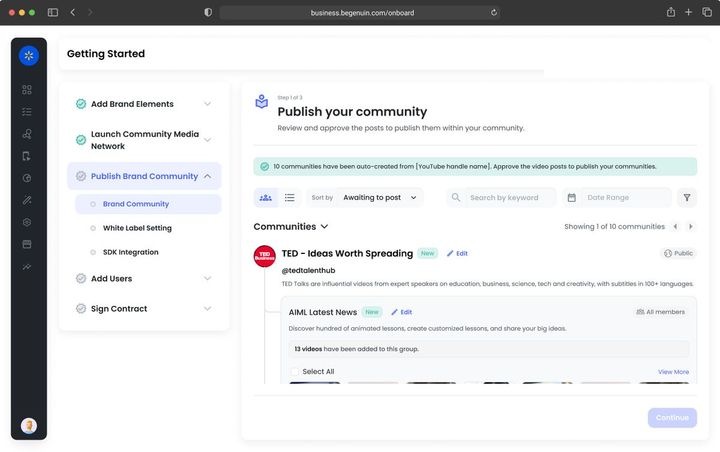
Publish Brand Community

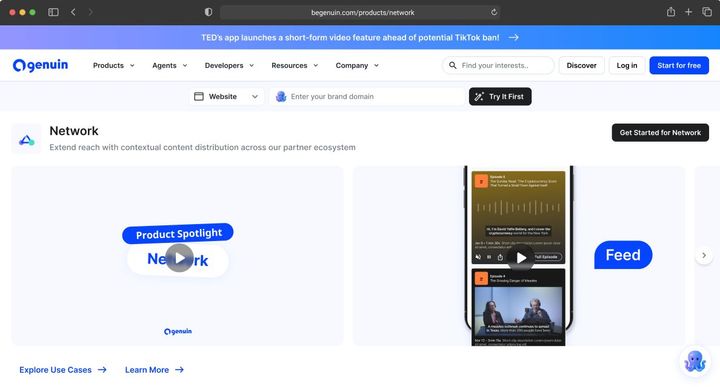
With Network Launch lists your network for distribution across 7K+ apps and sites. Build feeds by keyword, brand, category, topic, or page context and choose where each may run; partner content you accept fills the hub faster.Launching the hub for Network · see Distribute your feeds across 7K+ apps and sites, Network distribution: place your content in partner inventory, Content Distribution (Outbound), Accept partner content into your ecosystem
Goal · Growth KPI set: hub sessions, watch time per user, followers, syndicated views that return to the hub. Post to the hub first; links back on every syndicated post are the growth loop.
Goal · Monetization KPI set: distributed views, eCPM on wrapped ads, sponsorship revenue per feed. Launch, then distribute at least one feed so paid partnerships have inventory to run in.
4

Add Users

With Network Invite brand partners (outbound and inbound), request placements on partner networks, and list in the network directory. Partners accept in their own BCC; permissions are per group and per placement. Creators from partner networks appear as guests.Adding users for Network · see Add brand partners and demand partners, Network distribution: place your content in partner inventory, Accept partner content into your ecosystem, Invite creators, hosts, and contributors
Goal · Growth KPI set: members, posts per member, creator entries. Auto login enables continuity and member-only groups; creator programs fill new groups.
Goal · Monetization KPI set: partners connected, paid partnerships live. Set brand safety first, then add brand partners and demand partners.
5

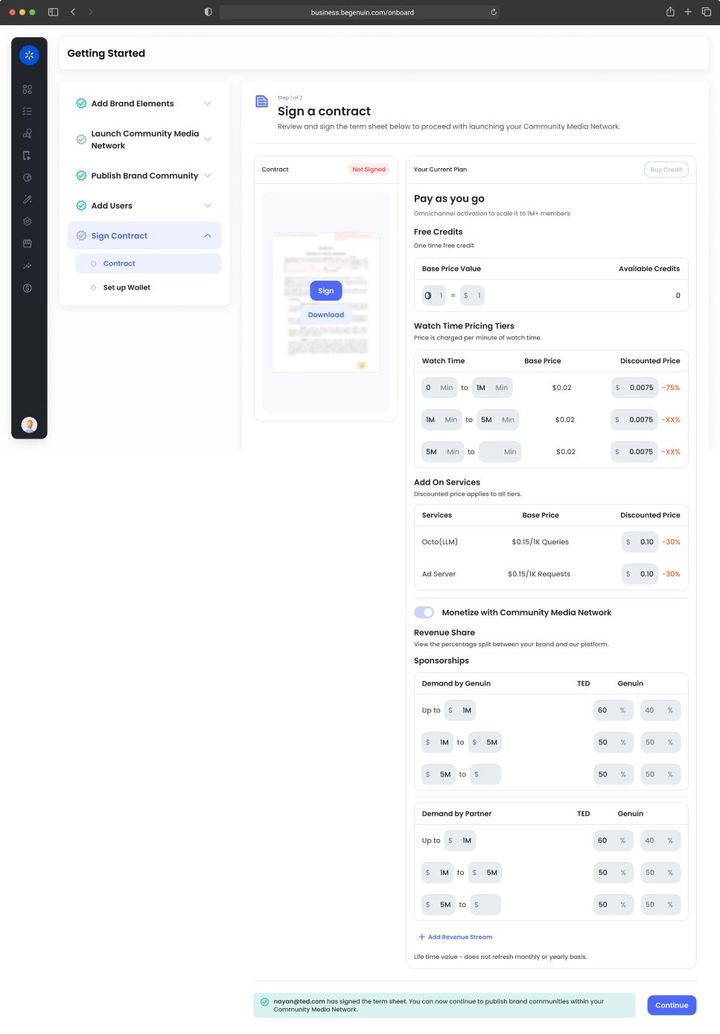
Sign Contract

With Network Distributed views count toward your revenue share; splits with partners are set when the partnership is created. Extended O&O is a managed service agreement with service levels and launch destinations named. Reports > Network shows which groups travel best.Contracts and revenue for Network · see Choose your monetization agreement, Extended O&O: how managed syndication works end to end, Network distribution: place your content in partner inventory, Revenue reporting, payouts, and the Creator Wallet
Goal · Growth KPI set: lift against your own holdout. Keep paid pacing low at first so relevance builds; revenue share funds growth without a sales motion.
Goal · Monetization KPI set: revenue, net margin on ad spend. Sign the services agreement, switch on demand sources in order, and reconcile the Monetize dashboard with your payouts.

TRUST AND COMPLIANCE

© 2026 Genuin Inc.

Genuin Footer