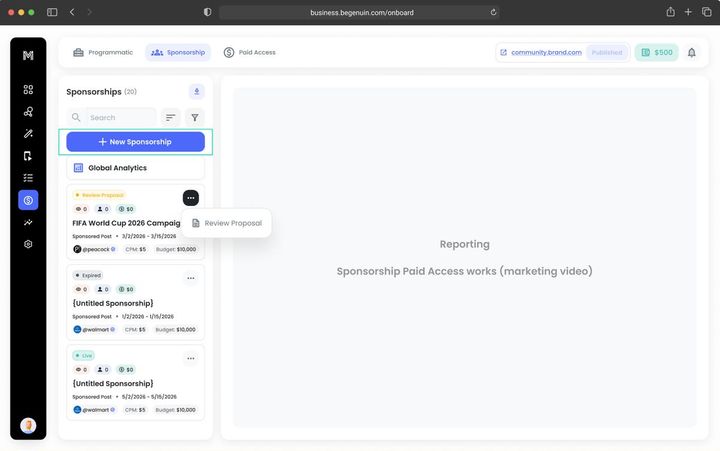
Get Started

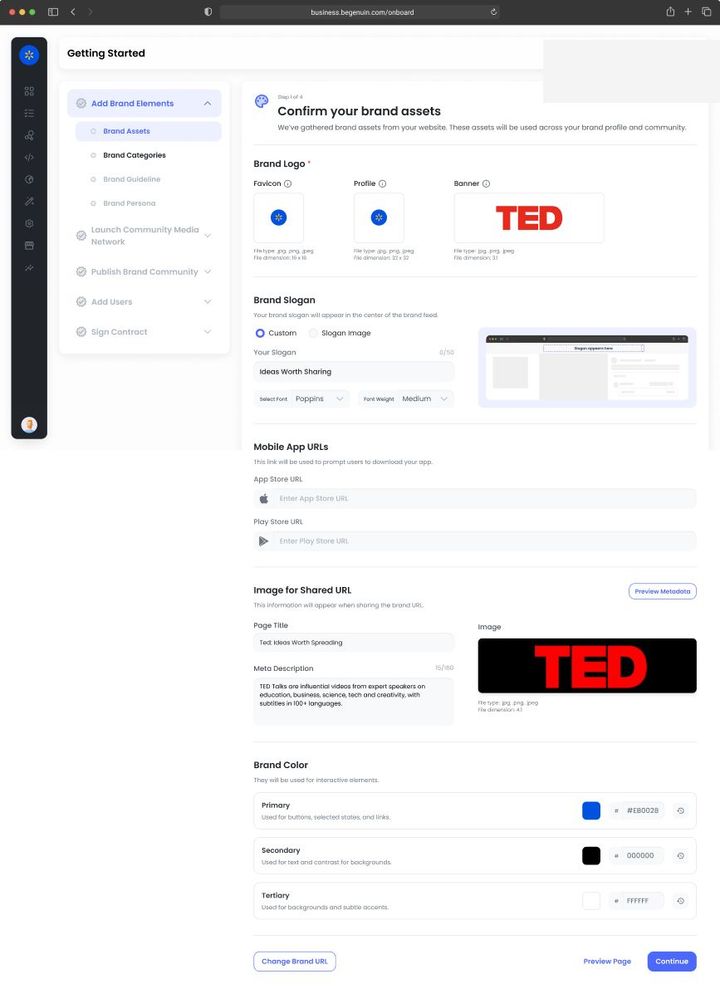
Most of your setup is prepared for you. Octo, Genuin's Supervised Intelligence interface, drafts each step from your website and brand context and shows it to you rendered; you confirm, edit, or decline. Five steps take you from a business account to your own media network, the same from a solo podcaster to a national retailer.

Steps forasto get started withforin
5Essential steps you do
8Prepared for you; you confirm each one
8Recommended; do them when they fit
0Not required for any business
~125 minYour hands-on time: 43 essential + 74 recommended + 8 to confirm (1 min each)
1

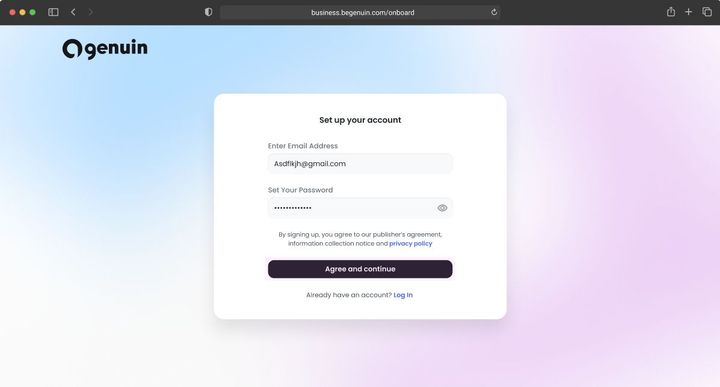
Set Up Your Account

2 more steps · 1 prepared for you, 1 recommended, notes for your choices
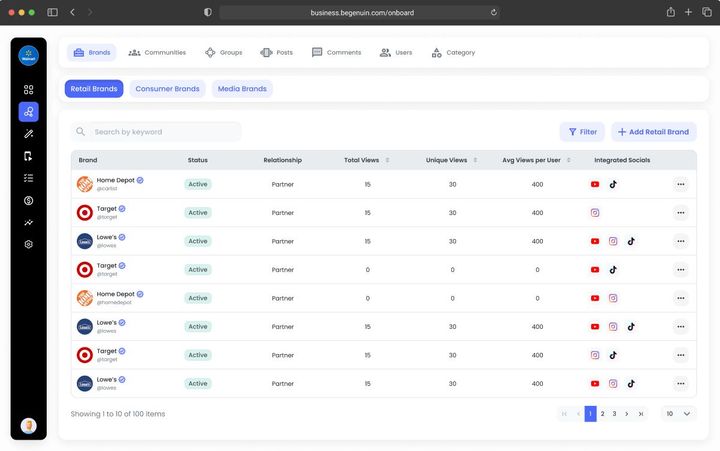
With Control Roles start here: assign Content, Revenue, Developer, and Analyst roles with least privilege, scope them per community if you run several brands, and turn on two-factor authentication. The audit log records every change from this moment.Brand elements that matter for Control · see Invite your team and assign roles, Control: roles, moderation, brand safety, and guidelines, Security, data residency, and compliance
Goal · Growth KPI set: watch time per user, return rate, members. Brand kit contrast and voice affect completion rates; connect every content source so the library grows without production effort.
Goal · Monetization KPI set: time to first revenue. Enter your legal entity and billing details now and give the signer the right role, so the services agreement is one step when you reach it.
2

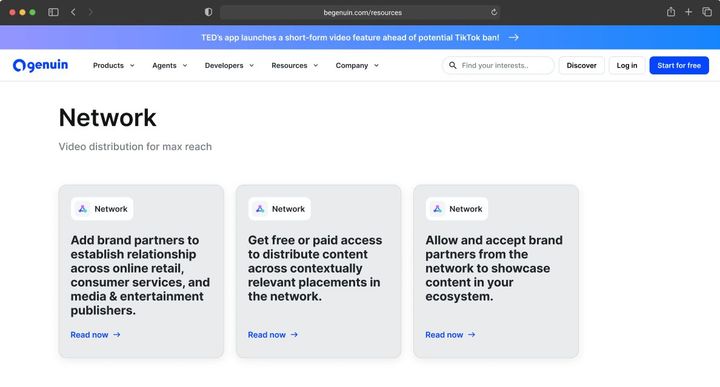
Launch Media Network

3 more steps · 2 prepared for you, 1 recommended, notes for your choices
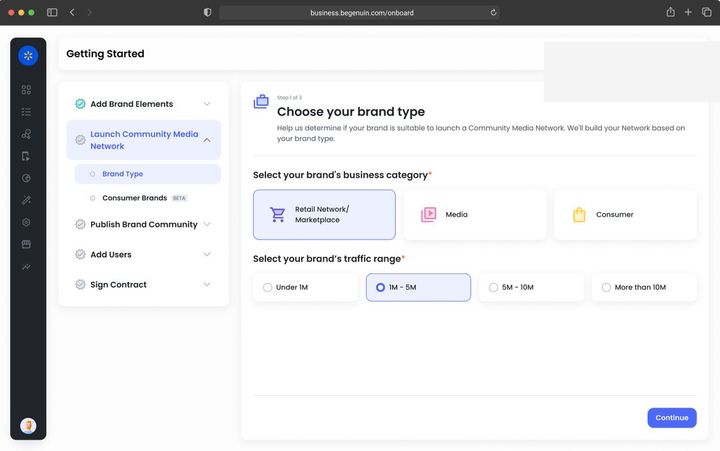
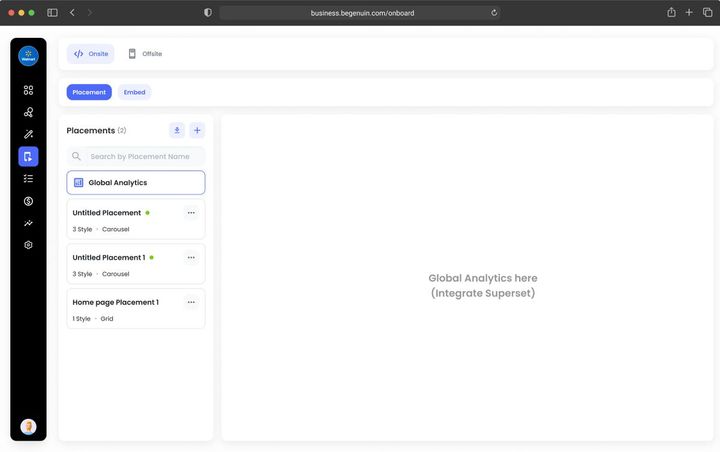
With Control Every placement carries a brand safety profile and player controls (autoplay, captions, share) set at the page-type level and narrowed at the placement. Decide them on the grid before you embed so templates never need a code change.Launching a network for Control · see Register your placements on the Hierarchical Grid, Control: roles, moderation, brand safety, and guidelines, Embed configuration reference
Goal · Growth KPI set: pages per session, session length. Place video where the journey continues and allow more than one experience per placement so the best fit is chosen for each viewer.
Goal · Monetization KPI set: eCPM, fill, revenue per embed. Pick the brand type that matches your business and register placements in the sizes buyers pay for.
3

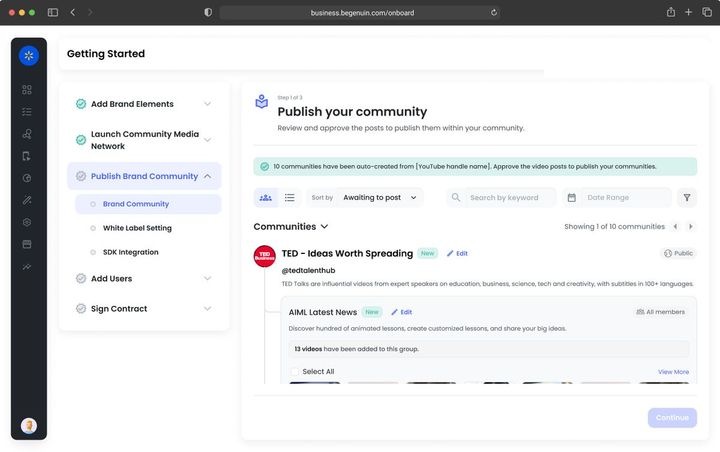
Publish Brand Community

3 more steps · 2 prepared for you, 1 recommended, notes for your choices
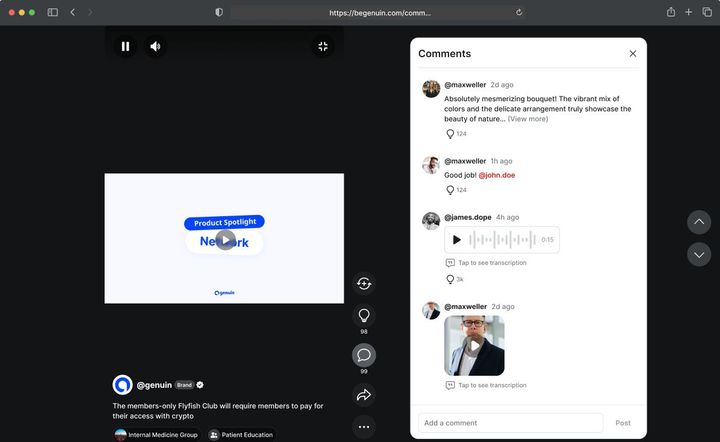
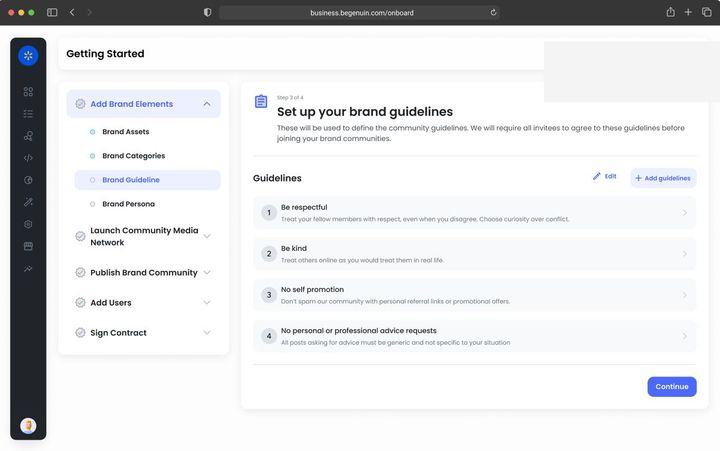
With Control The AI's classification is editable: move a video, rename a group, or block a keyword and the feeds follow. Guidelines are accepted at launch and the Standard moderation baseline is on; brand safety profiles gate where feeds may run.Launching the hub for Control · see Launch your first community: your owned-and-operated space, Moderation Baselines and Queue, Brand Safety Profile, Control: roles, moderation, brand safety, and guidelines
Goal · Growth KPI set: hub sessions, watch time per user, followers, syndicated views that return to the hub. Post to the hub first; links back on every syndicated post are the growth loop.
Goal · Monetization KPI set: distributed views, eCPM on wrapped ads, sponsorship revenue per feed. Launch, then distribute at least one feed so paid partnerships have inventory to run in.
4

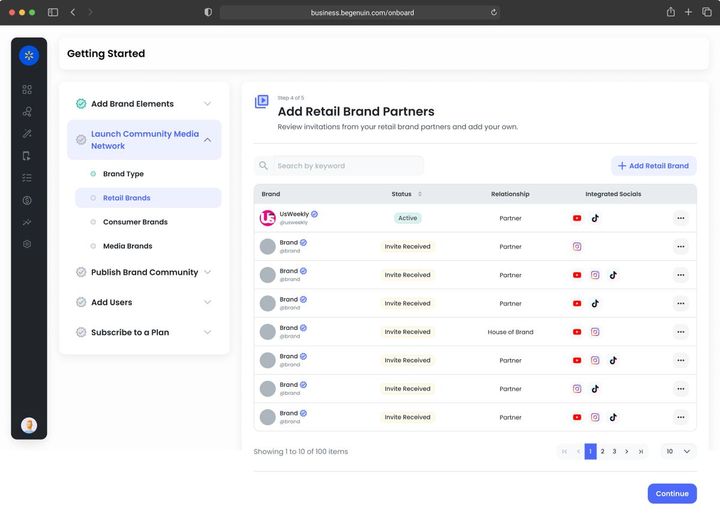
Add Users

Nothing essential for you here · 1 prepared for you, 4 recommended, notes for your choices
With Control This is the step Control owns: moderation baseline, flagged-content actions by source, keyword and topic blocklists, roles for approve and remove, and the brand safety profile, aligned with industry brand safety standards, that buyers purchase against.Adding users for Control · see Set moderation and brand safety, Control: roles, moderation, brand safety, and guidelines, Blocklists and ad quality controls, Content policies and community guidelines
Goal · Growth KPI set: members, posts per member, creator entries. Auto login enables continuity and member-only groups; creator programs fill new groups.
Goal · Monetization KPI set: partners connected, paid partnerships live. Set brand safety first, then add brand partners and demand partners.
5

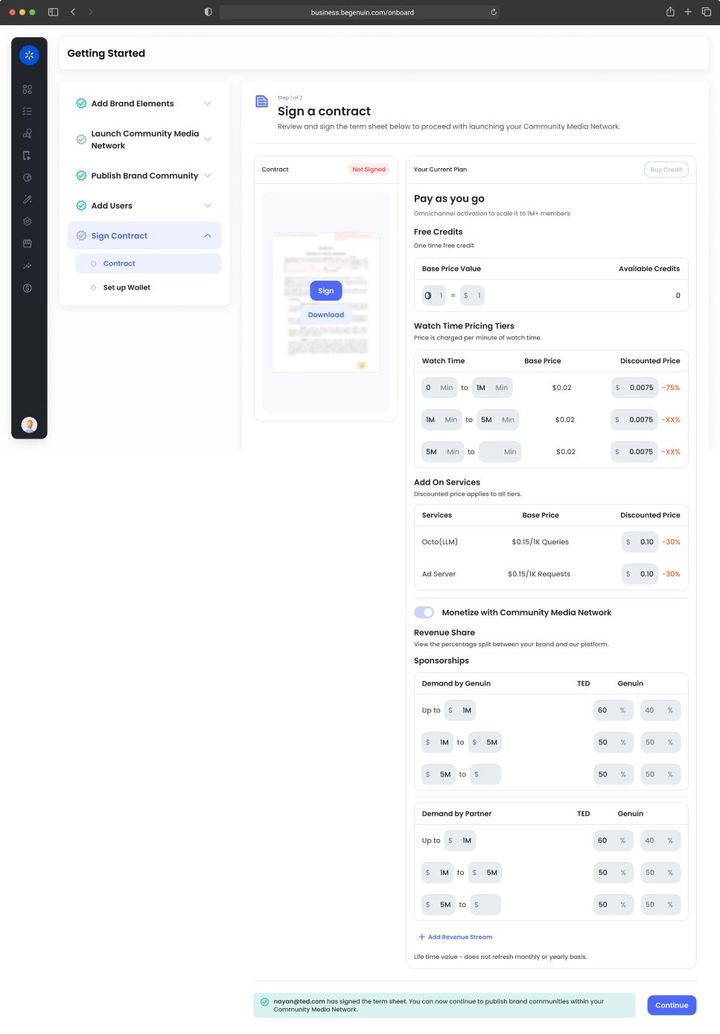
Sign Contract

3 more steps · 2 prepared for you, 1 recommended, notes for your choices
With Control Advertiser blocklists and competitive exclusions apply across Genuin Ad Server, partner ad servers, and Paid Partner content, and are part of the agreement for retail schedules. Reports > Ad quality shows what each rule costs in eCPM.Contracts and revenue for Control · see Sign your agreement and authorize sellers, Blocklists and ad quality controls, Set moderation and brand safety
Goal · Growth KPI set: lift against your own holdout. Keep paid pacing low at first so relevance builds; revenue share funds growth without a sales motion.
Goal · Monetization KPI set: revenue, net margin on ad spend. Sign the services agreement, switch on demand sources in order, and reconcile the Monetize dashboard with your payouts.

TRUST AND COMPLIANCE

© 2026 Genuin Inc.

Genuin Footer