

How can creators build their communities using Genuin Studio App across brand destinations?
Creators play a critical role in driving engagement, conversations, and community participation across digital experiences. With the Genuin Studio App, creators can build and grow communities directly within brand-owned destinations while maintaining a consistent content and engagement experience.
This allows brands to:
- Expand community participation through creator-led engagement
- Encourage user-generated content and recurring activity
- Build stronger audience relationships inside owned ecosystems
- Enable creators to publish and manage content across multiple brand destinations
- Increase retention through community-based interactions
- Scale community growth without relying only on external social platforms
The Genuin Studio App helps creators contribute content, interact with members, manage groups, and grow audiences while remaining aligned with brand guidelines and moderation policies.
How creators build communities using the Genuin Studio App
Step 1: Invite creators into the Community Media Network
Before creators can begin building communities, brands must provide creator access through the Brand Control Center.
Navigate to: BCC > Add Users > Creators
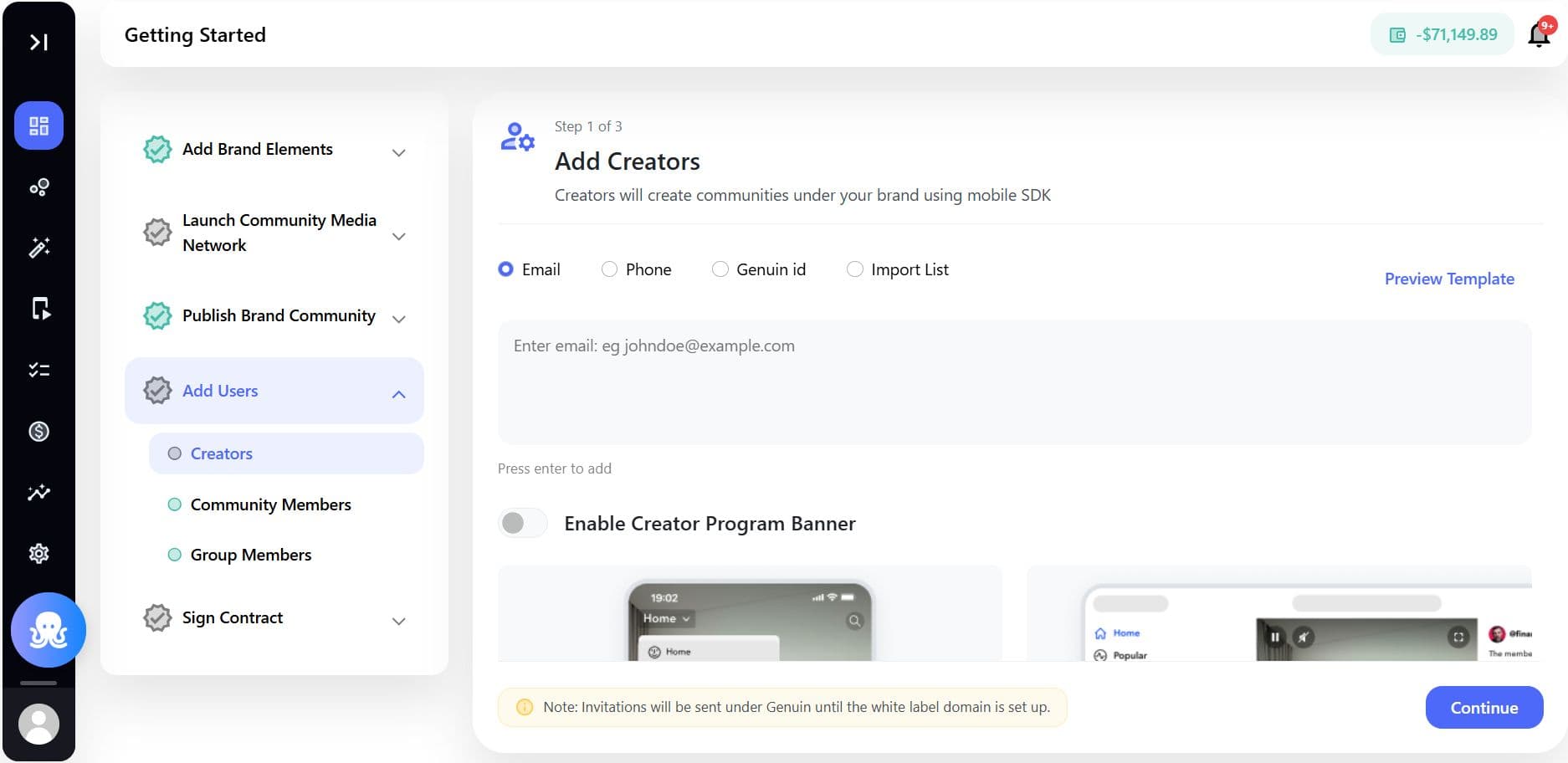
Brands can:
- Invite creators through email or shareable invite links
- Assign creator roles and permissions
- Add creators to specific communities or groups
- Control access levels based on brand governance requirements
Once invited, creators can log in to the Genuin Studio App using their assigned credentials.
Step 2: Configure creator profiles
Creators can personalize their profiles inside the Studio App to establish their presence across brand destinations.
Creators can configure:
- Profile image
- Bio and creator description
- Social handles
- Content categories and interests
- Community focus areas
These profiles help community members discover creators and follow relevant content streams.
Step 3: Create and manage communities or groups
Depending on the permissions assigned by the brand, creators can:
- Create new groups within existing communities
- Manage community discussions
- Organize content around specific topics or interests
- Moderate conversations and member participation
- Invite members into creator-led groups
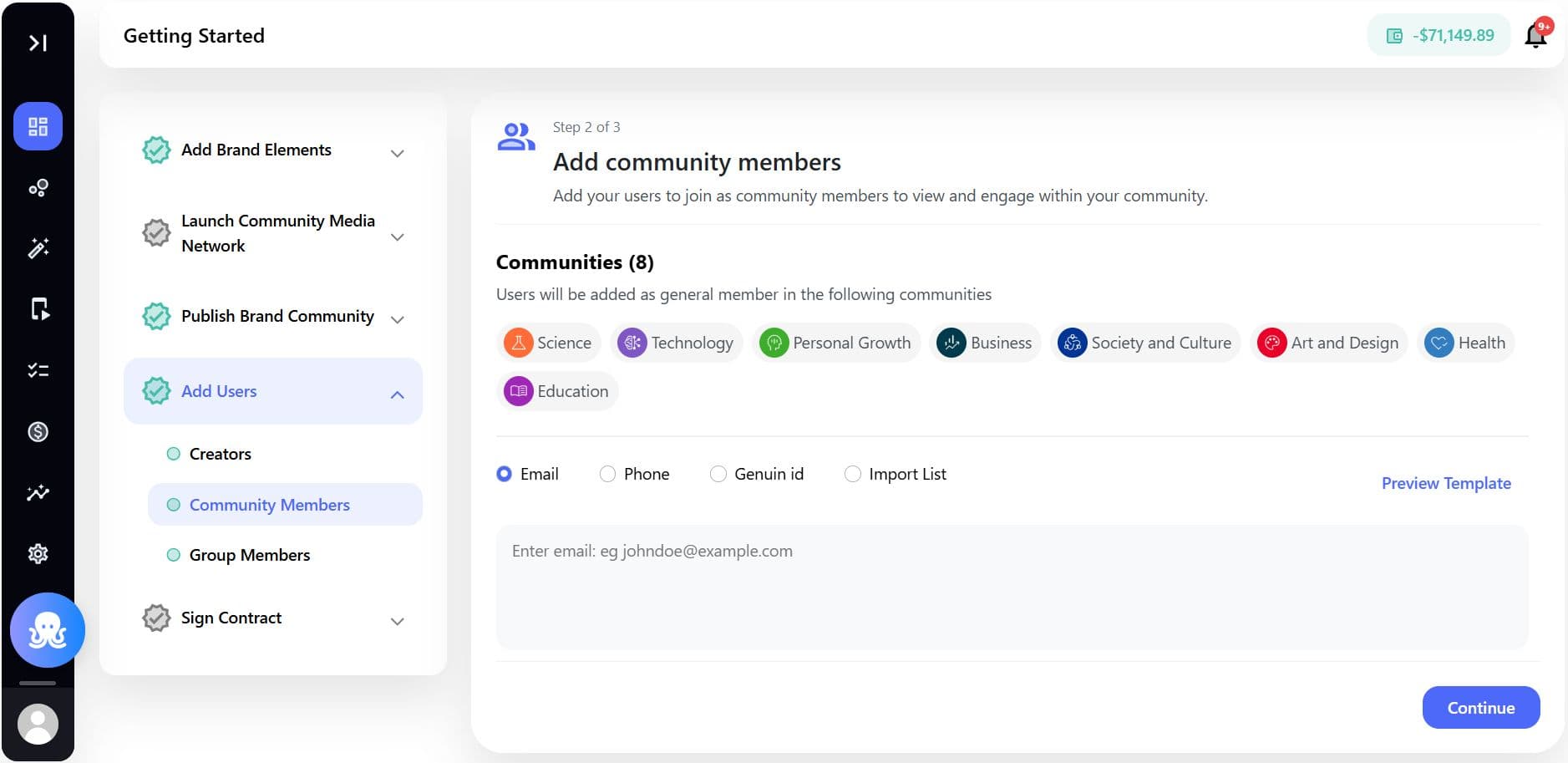
This allows creators to build niche engagement spaces around topics such as:
- Product education
- Gaming communities
- Fitness challenges
- Creator fan communities
- Tutorials and learning groups
- Brand campaigns or events
Brands maintain governance controls while creators drive engagement organically.
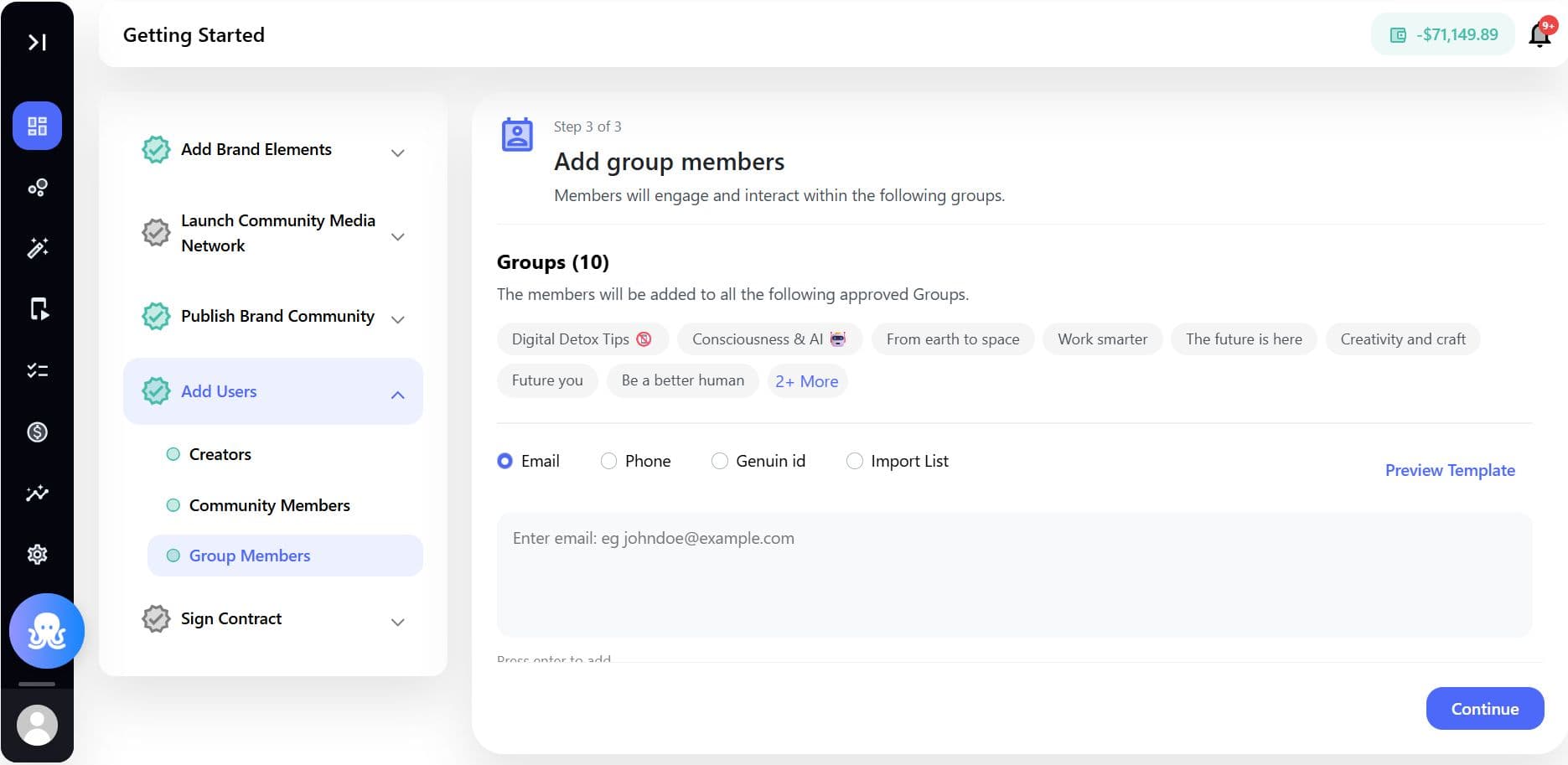
Step 4: Publish and distribute content
Creators can publish content directly from the Studio App across supported brand destinations.
Supported content workflows include:
- Short-form vertical videos
- Creator challenges
- Discussions and community posts
- Polls and engagement prompts
- Tutorials and educational content
- User-generated content campaigns
Content can be distributed across:
- Mobile apps
- Web experiences
- Community feeds
- Embedded experiences
- Community groups
AI-powered curation and moderation workflows help ensure content remains aligned with brand safety guidelines.
Step 5: Engage with community members
Creators can actively participate in conversations and community activities through the Studio App.
Supported engagement features include:
- Comment management
- Reactions and sparks
- Group discussions
- Community prompts
- Challenges and quests
- Notifications and announcements
These engagement tools help creators maintain ongoing relationships with their audience while increasing overall community participation.
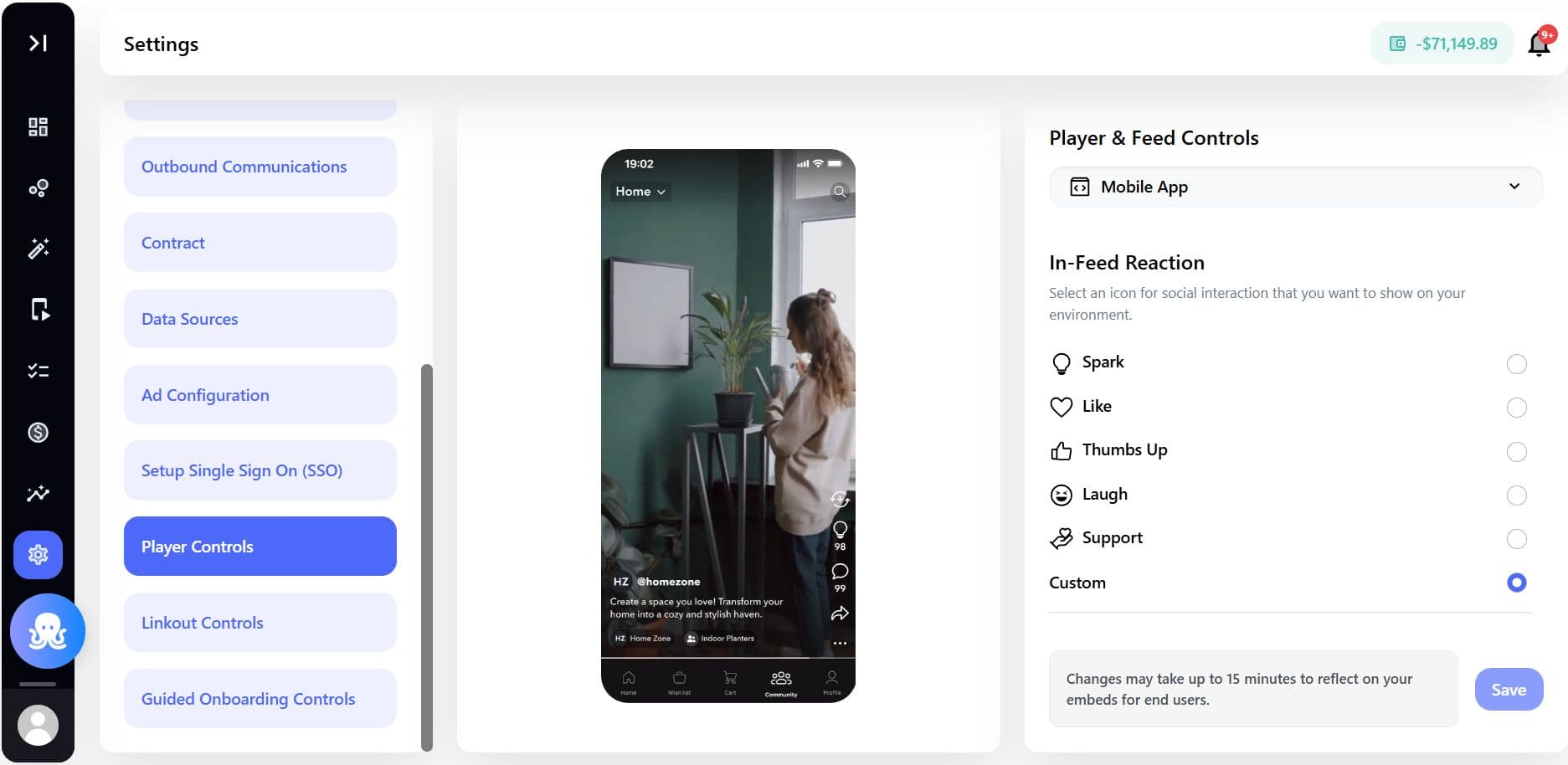
Step 6: Grow audiences across brand destinations
The Studio App allows creators to expand their reach across multiple brand-owned destinations while maintaining a consistent identity.
Creators can:
- Build followers across communities
- Grow recurring engagement
- Participate in sponsored campaigns
- Collaborate with brands on challenges and activations
- Drive cross-community participation
This creates a scalable creator ecosystem inside the Community Media Network rather than depending solely on external social platforms.
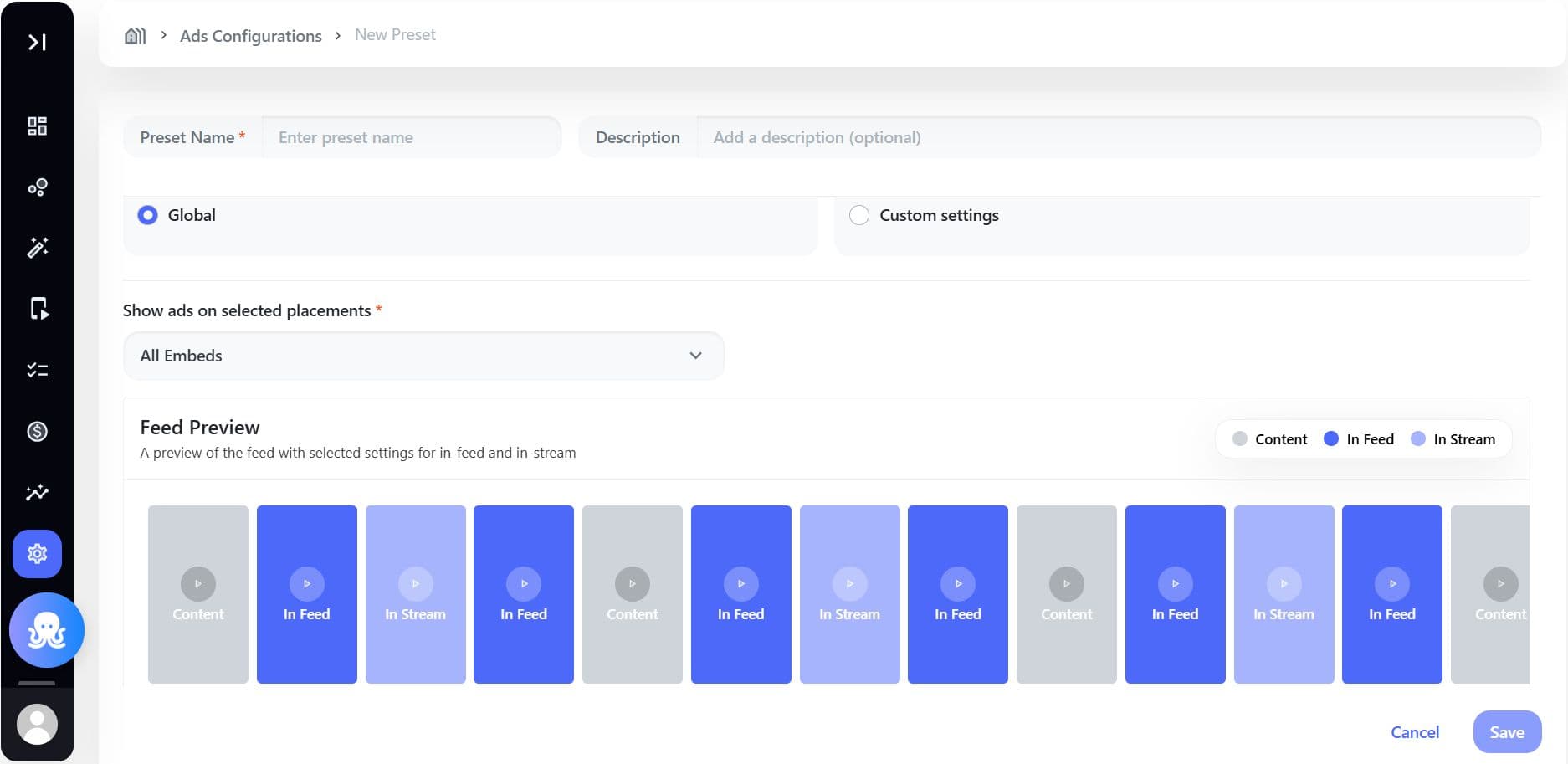
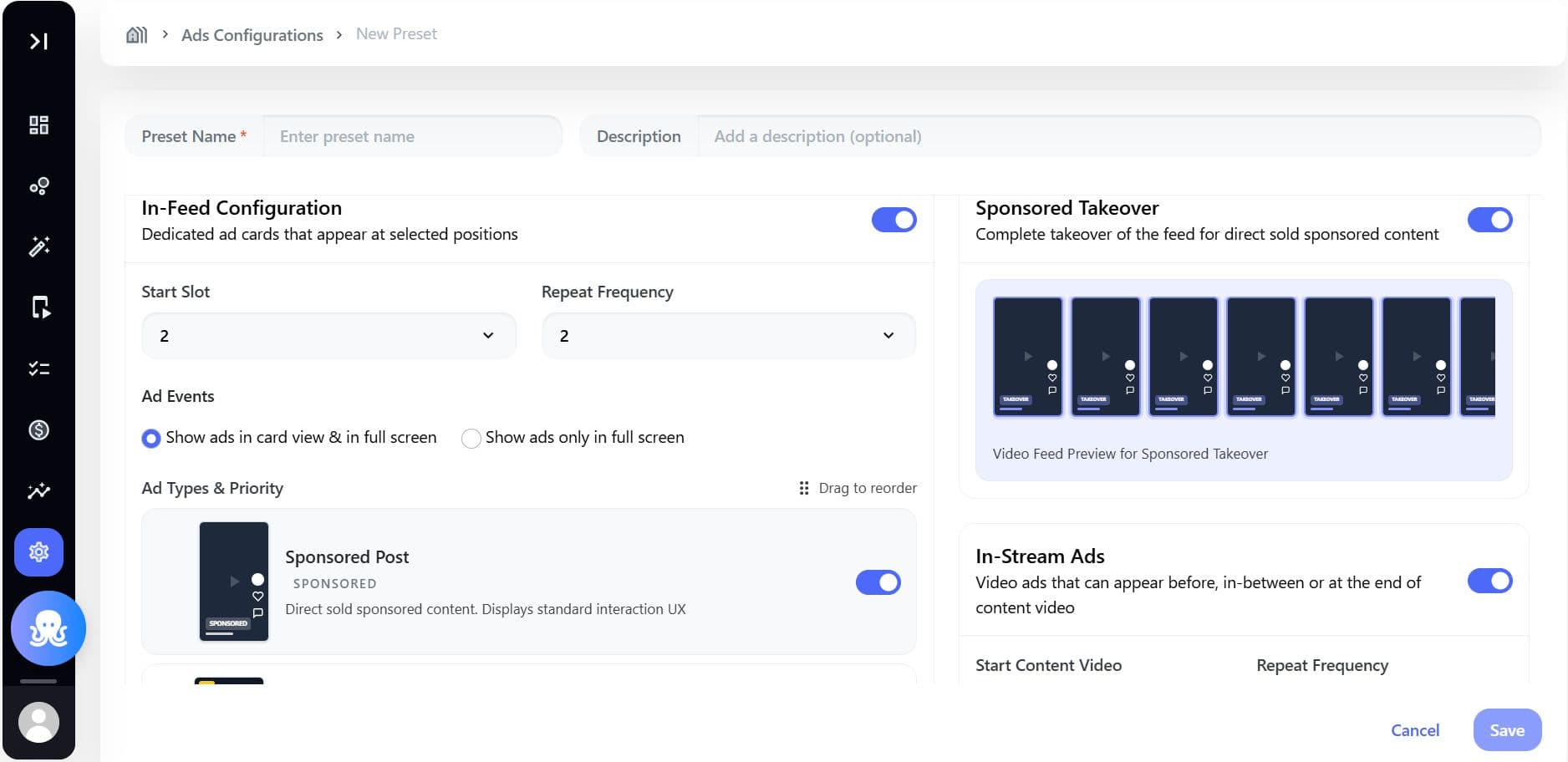
How brands support creator-led community growth
Brands can strengthen creator communities by:
- Creating dedicated creator communities or groups
- Launching creator challenges and campaigns
- Providing creator incentives or sponsorships
- Featuring creators in curated feeds
- Enabling creator-led onboarding experiences
- Promoting high-performing creator content
The combination of creator participation and AI-driven personalization helps increase engagement, retention, and organic community growth.
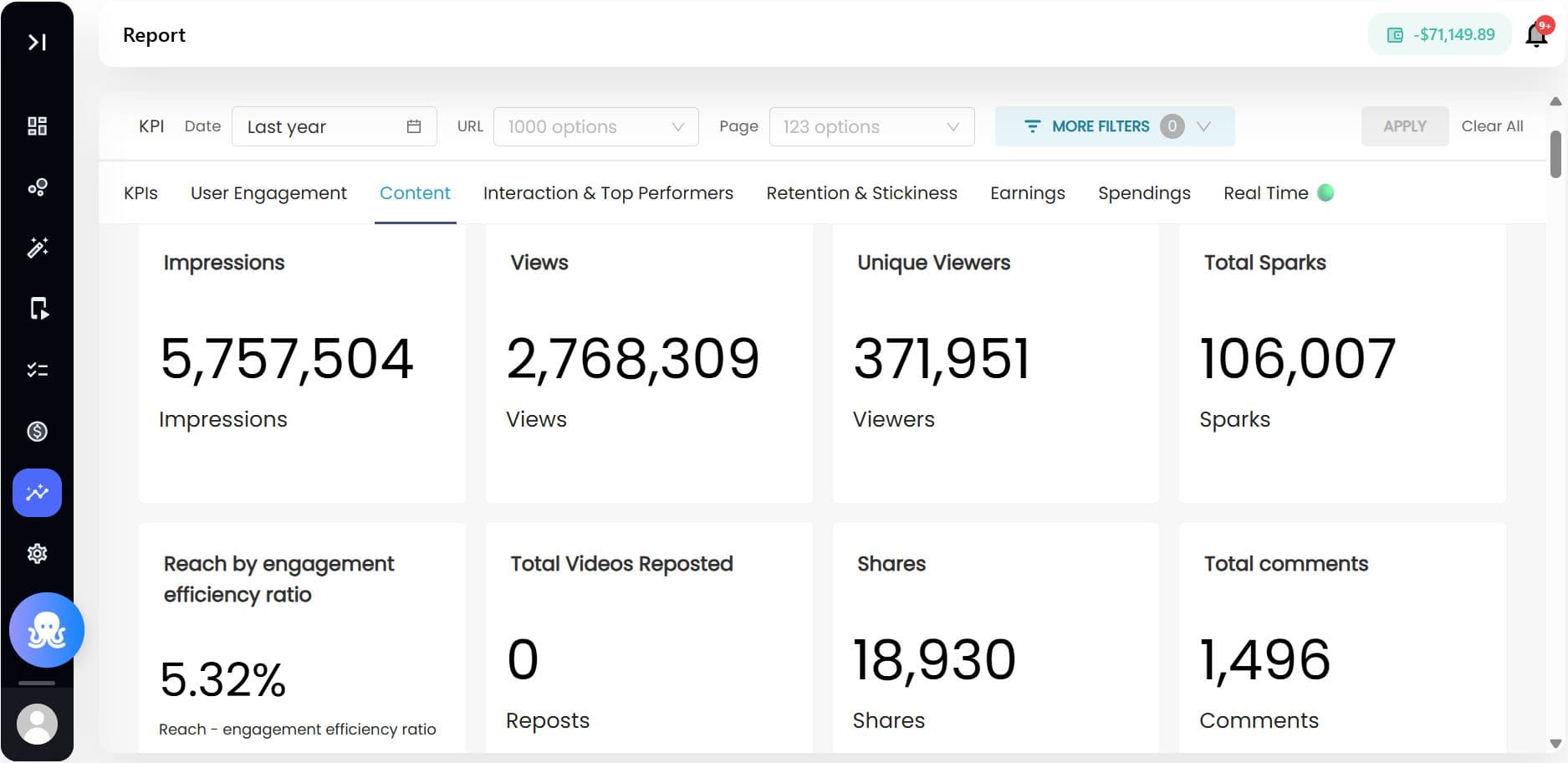
Analytics and reporting for creator communities
Brands can monitor creator and community performance through the Brand Control Center reports.
Available insights may include:
- Content views and completion rates
- Community participation trends
- Group engagement metrics
- Shares and interactions
- Creator contribution activity
- Audience growth trends
- Retention and repeat participation
These insights help brands identify high-performing creators and optimize future community initiatives.
Example use cases
| Use Case | How Brands Use It |
|---|---|
| Creator Fan Communities | Creators manage dedicated audience groups inside brand destinations |
| Product Education | Experts and creators publish tutorials and walkthroughs |
| Community Challenges | Creators launch participation-driven campaigns |
| Brand Partnerships | Sponsored creator activations drive engagement |
| Event Communities | Creators host discussions around launches or live events |
| Lifestyle Communities | Brands enable creators to build interest-based groups |
Specs & Limitations
| Area | Details |
|---|---|
| Creator Access | Requires creator invitation and permissions from BCC |
| Community Controls | Depends on assigned creator role and governance settings |
| Supported Destinations | Web and mobile destinations |
| Content Moderation | Subject to AI moderation and brand review workflows |
| Community Creation | May be restricted based on brand configuration |
| Analytics Availability | Reporting access depends on enabled reporting modules |
| Push Notifications | Requires notification configuration within SDK/app setup |
| SSO Support | Available through SDK integrations |
Best practices
- Clearly define creator roles and permissions
- Establish community guidelines before launch
- Encourage creators to drive recurring participation
- Use engagement analytics to identify successful creator strategies
- Combine creator-led content with brand-owned campaigns
- Recognize top contributors and community advocates
- Use AI-powered recommendations to improve discoverability
